 Italian

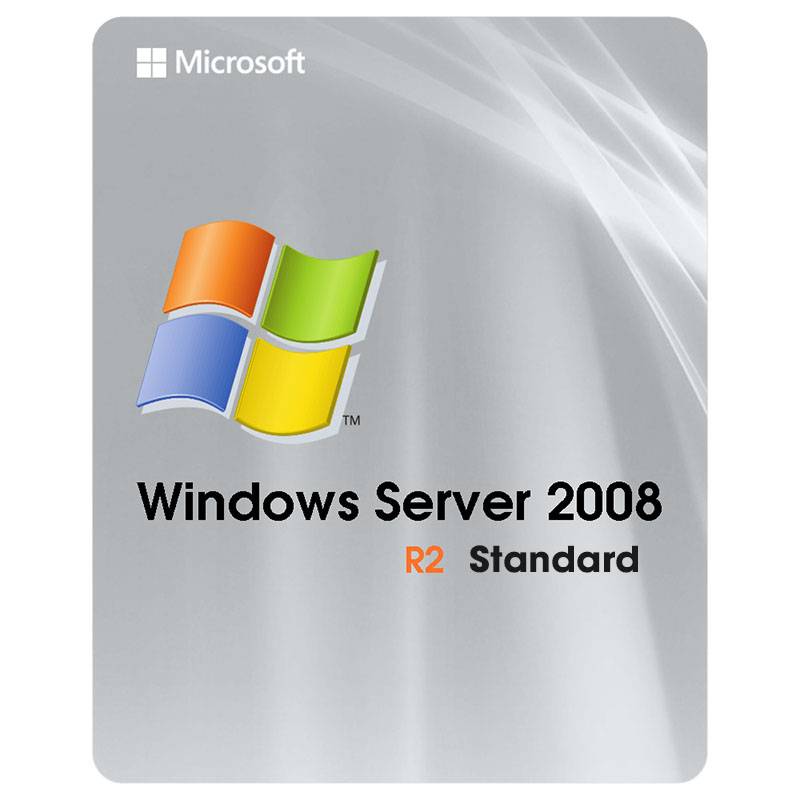

Microsoft Windows Server 2008 R2 Standard | Stable Virtualization & Enterprise Connectivity
-
Original Release Date: October 22, 2009
-
License Type: Perpetual / Lifetime Activation
-
Platform: x64-based Server Hardware (64-bit only)
About the Product
Microsoft Windows Server 2008 R2 Standard is a legendary server operating system built on the same rock-solid kernel as Windows 7. It was the first Windows Server OS to move exclusively to 64-bit architecture, providing a significant leap in performance and memory addressability. It is the ultimate choice for businesses maintaining legacy applications that require a stable, time-tested environment. By integrating the second generation of Hyper-V, it allows organizations to acquire a robust virtualization platform that supports Live Migration. Whether you are running a file server, an application server, or an Active Directory domain, Windows Server 2008 R2 remains a cornerstone of efficient IT infrastructure.
The Problem It Solves
Maintaining compatibility with legacy software often requires an operating system that balances modern features with historical reliability. Windows Server 2008 R2 solves this by offering a bridge between the classic server era and the cloud. It allows you to obtain secure remote access through DirectAccess, eliminating the need for complex VPNs for your mobile workforce. With advanced power management features, it helps you get better energy efficiency from your hardware, while the Active Directory Recycle Bin ensures you can unlock and recover deleted objects without needing to perform a full forest restoration.
Key Features Defining Professional Server Stability
Hyper-V 2.0 with Live Migration
Unlock the ability to move running virtual machines between host servers without any downtime. This ensures that you can acquire higher availability for your services even during physical hardware maintenance.
DirectAccess & BranchCache
Obtain seamless, "always-on" remote connectivity for employees without a VPN. BranchCache allows you to get faster file access in remote offices by caching frequently used content locally, reducing WAN bandwidth costs.
Remote Desktop Services (RDS)
Transforming the old Terminal Services, RDS allows you to acquire a more rich, virtualized desktop experience. It provides improved support for multiple monitors and high-definition multimedia redirection.
PowerShell 2.0 Integration
For administrators who need to get things done at scale, PowerShell 2.0 is the ultimate tool. It allows you to unlock advanced automation scripts to manage hundreds of servers as easily as one.
Active Directory Recycle Bin
No more "Authoritative Restores." You can now obtain and restore accidentally deleted users, groups, or organizational units directly through the AD interface, ensuring business continuity.
Microsoft Windows Server 2008 R2 FAQ
Is this 32-bit or 64-bit?
Windows Server 2008 R2 was the first version of Windows Server to be exclusively 64-bit (x64). It does not support 32-bit (x86) hardware, allowing it to acquire and utilize much larger amounts of RAM.
Is this a lifetime license?
Yes. When you acquire this retail key, it is a perpetual license. Once activated, the software does not expire and requires no monthly subscription.
Can I upgrade to this from Windows Server 2008?
Yes, you can get an in-place upgrade from the original Windows Server 2008 to R2, provided you are moving from a 64-bit version of the previous OS.
Is it still supported in 2026?
Technically, Windows Server 2008 R2 reached its official "End of Extended Support" in 2020. However, for organizations that acquire Extended Security Updates (ESU) or Premium Assurance, critical security patches may be available to obtain a protected environment through early 2026.
How to Download & Install Windows Server 2008 R2
-
Download the ISO from the official Microsoft portal or your provided digital download link.
-
Create a bootable USB or DVD and boot your server hardware from the media.
-
Choose Windows Server 2008 R2 Standard during the installation process and follow the setup prompts.
-
Once installation is complete, right-click Computer and select Properties.
-
Click "Change product key" and enter your license to unlock and activate the full version.
Nessuna recensione trovata!









Nessun commento trovato per questo prodotto. Diventa il primo a commentare!