 English




Ashampoo Burning Studio 26 | CD, DVD & Blu-ray Burning Suite PC
Release
-
Release Date: August 15, 2025
-
License Type: Perpetual/Lifetime (One-time purchase for a single PC
-
Platform: Windows 11, Windows 10 (64-bit)
Ashampoo Burning Studio 26: The Comprehensive Media Burning Solution
Ashampoo Burning Studio 26 is the latest iteration of Ashampoo's powerful, yet easy-to-use, disc burning software. It is designed for both beginners and experienced users, offering a complete suite of tools for burning, copying, and ripping CDs, DVDs, and Blu-ray discs. This edition focuses on enhancing multimedia creation, boosting security through advanced protection features, and providing seamless compatibility with modern hardware and car radio systems.
Key Features Defining Comprehensive Disc Management
-
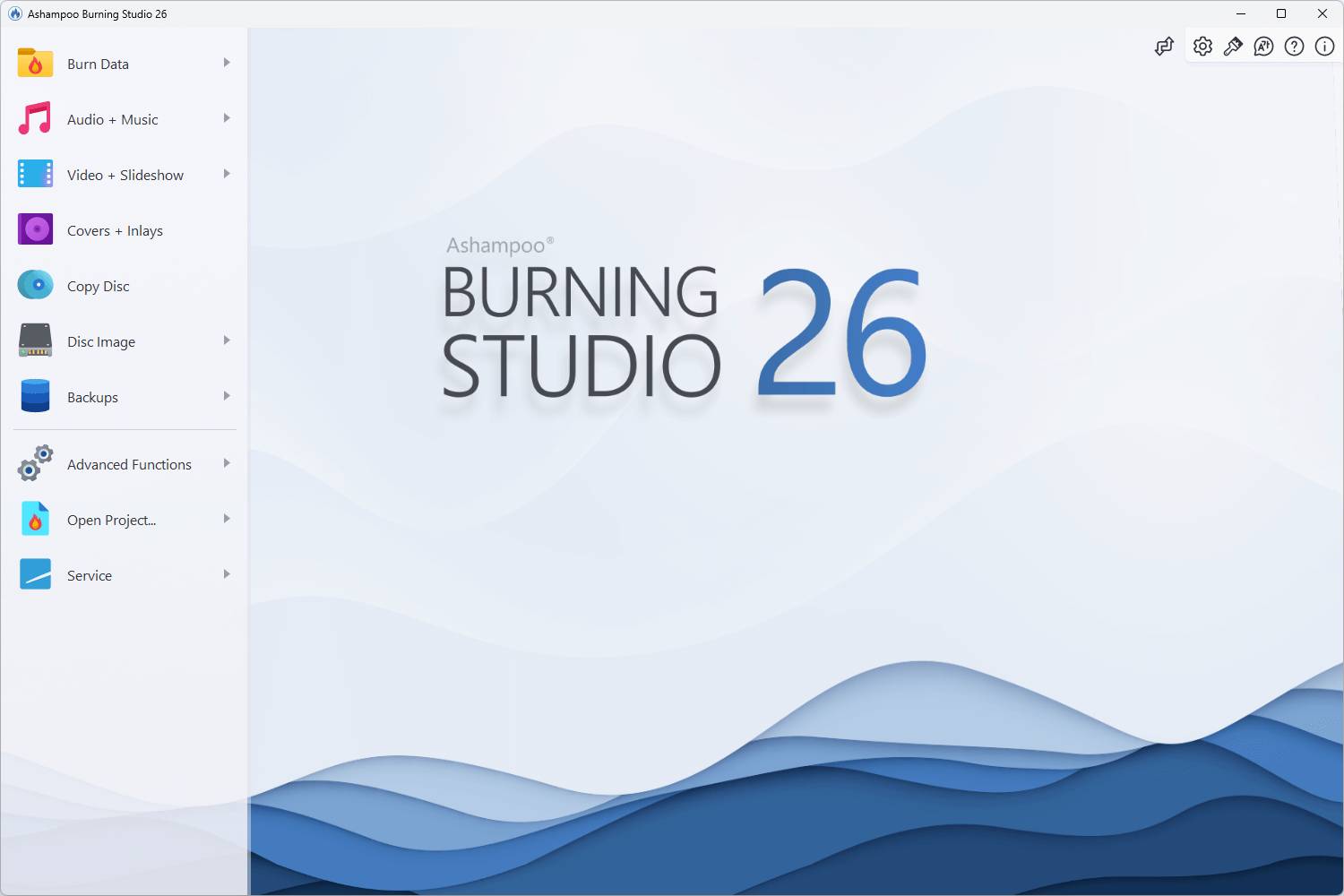
Universal Disc Burning & Copying: Effortlessly burn data, audio, and video to CD, DVD, and Blu-ray discs. It supports high-speed burning and disc-to-disc copying with intelligent error correction.
-
Advanced Data Security & Scratch Protection:
-
Scratch Protection Technology: Safeguards vital data against disc surface damage by distributing multiple copies of files across the disc, ensuring recovery is possible even from scratched discs.
-
Encrypted Data Discs: Burn data with password protection and compression for secure archiving of confidential information.
-
-
Multimedia Authoring and Creation:
-
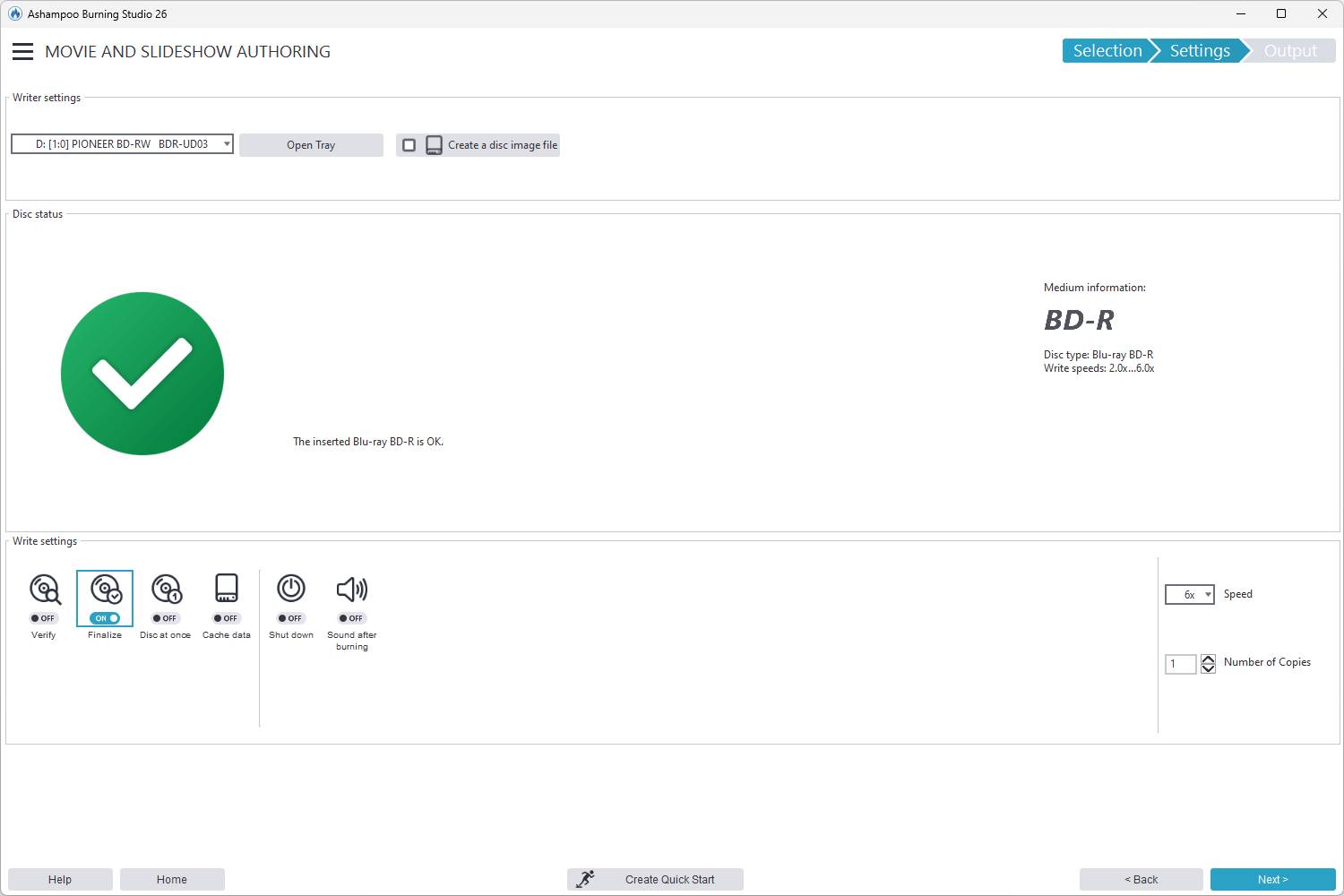
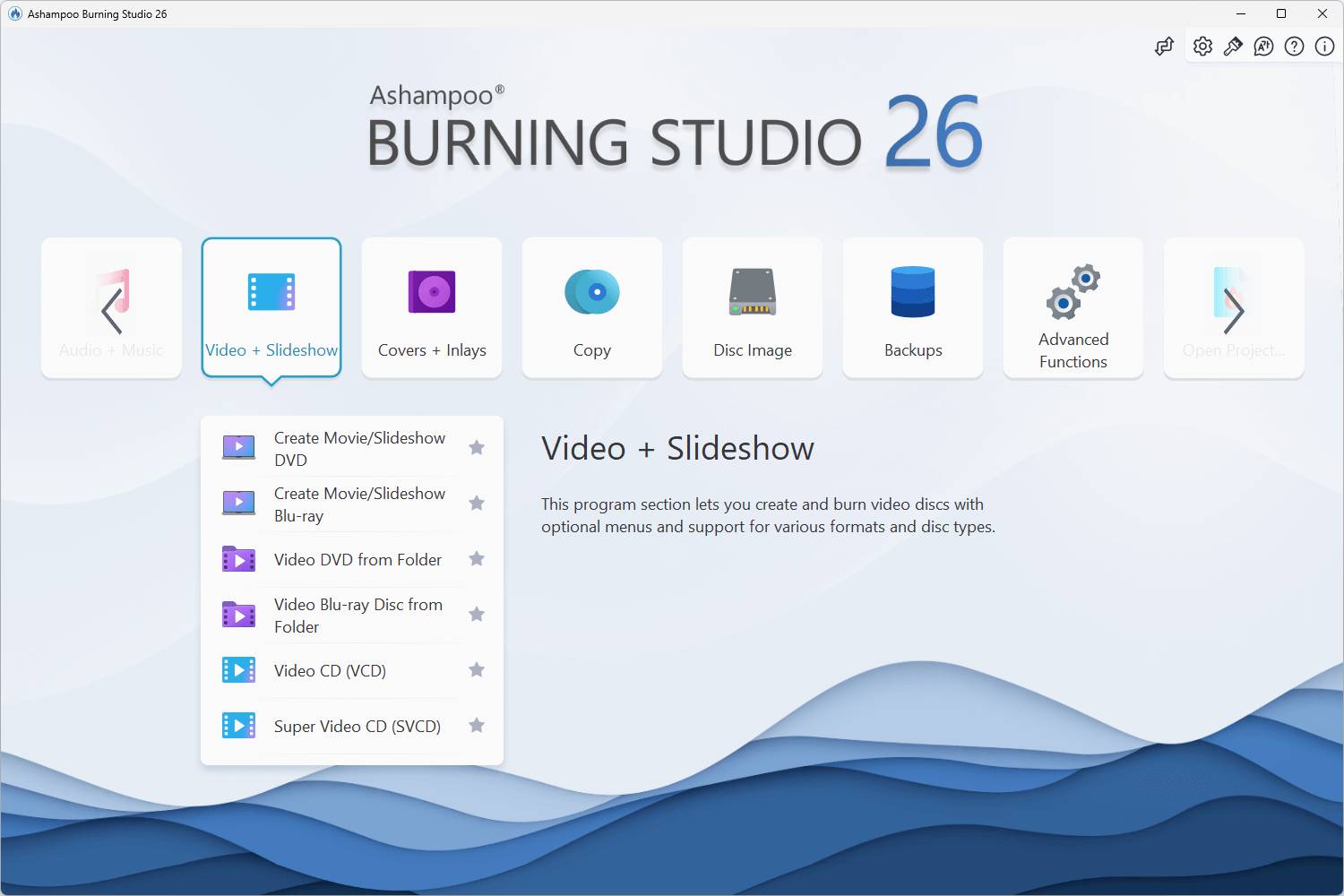
Movie & Slideshow Editor: Easily combine images, videos, and music to create high-quality movies and slideshows, complete with custom, animated menus, intros, and outros. Supports modern video formats like H.265.
-
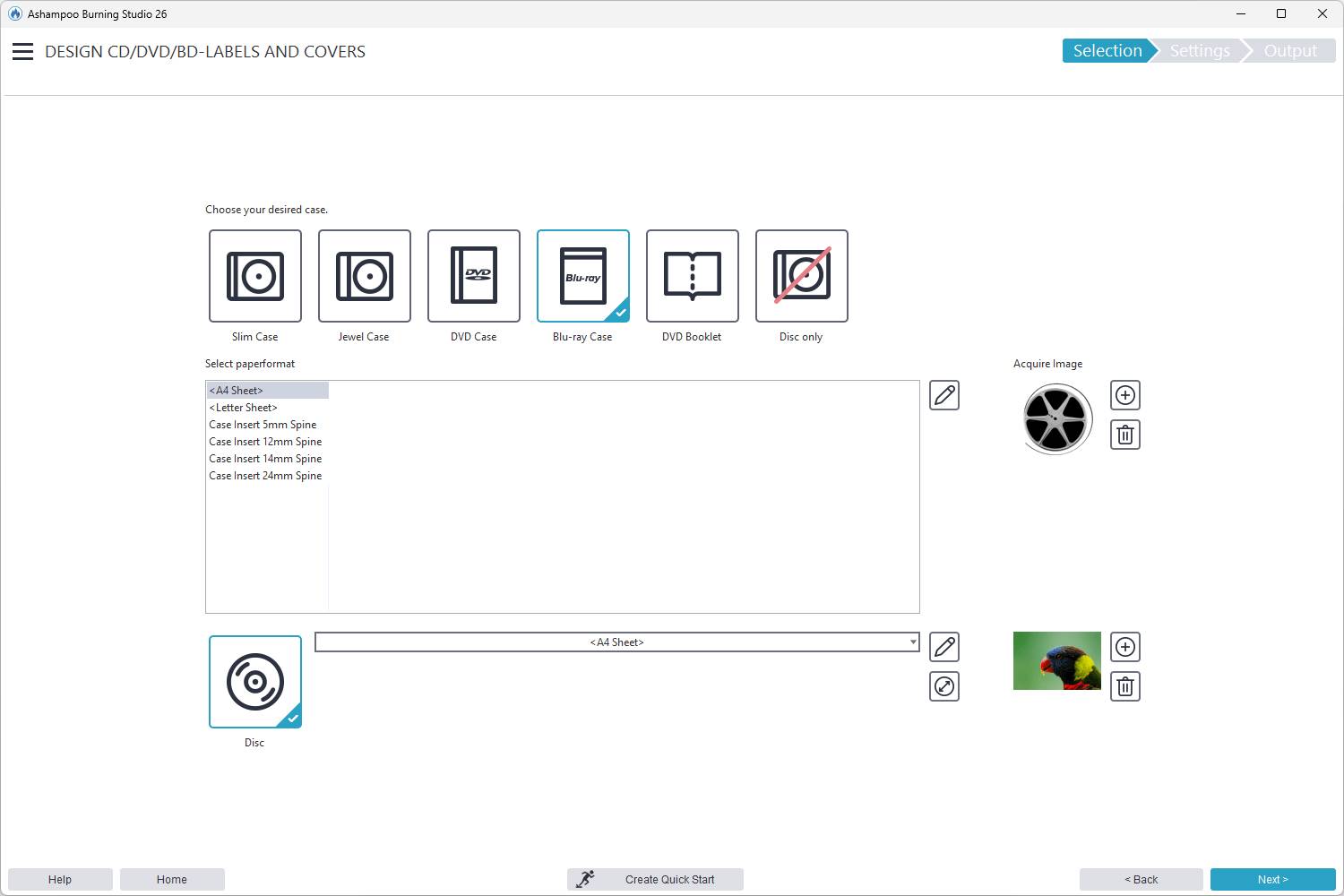
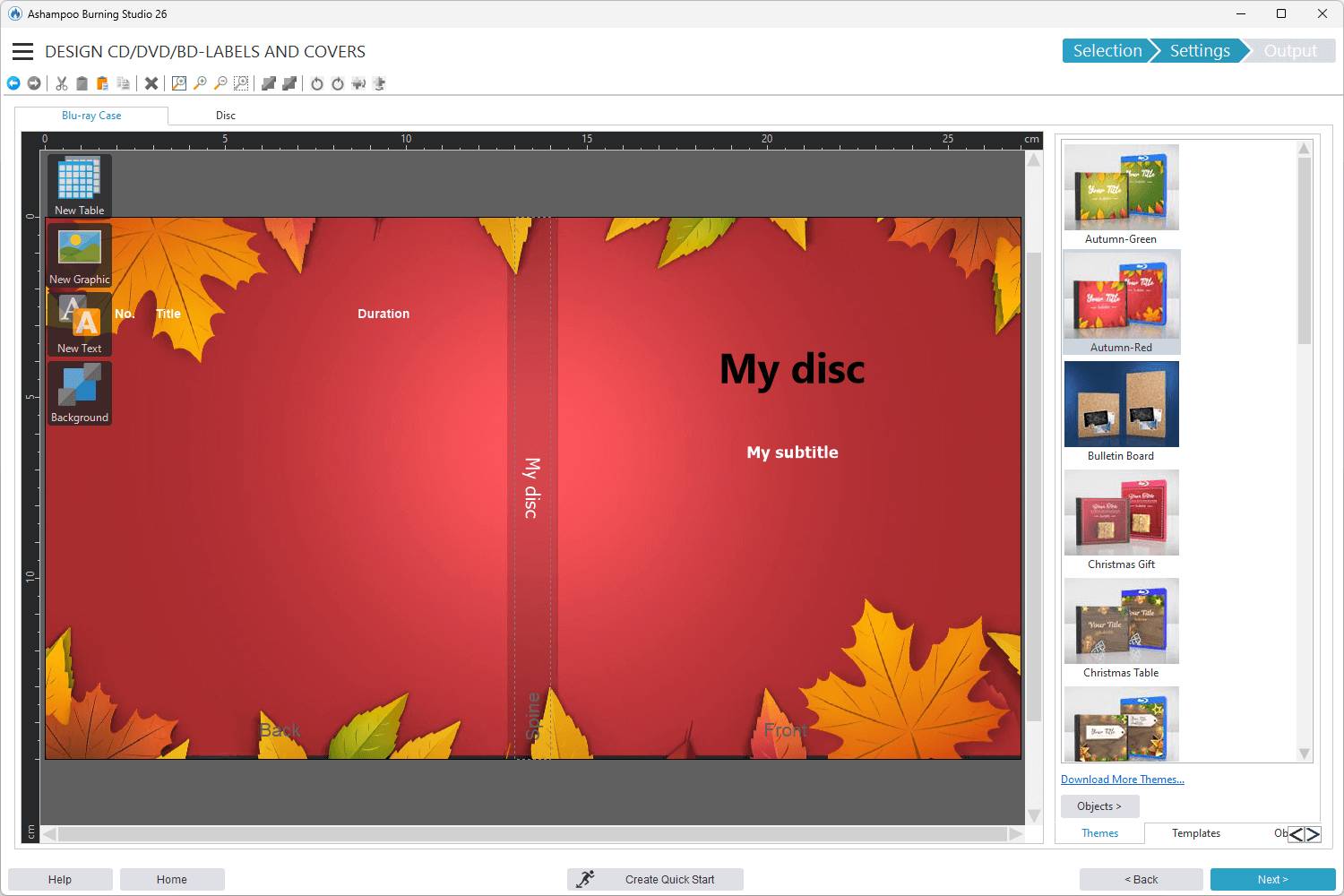
Cover Studio: A comprehensive design tool with numerous templates for creating custom disc covers, booklets, and labels, with support for direct-to-disc printing.
-
-
Audio Ripping and Car Radio Support:
-
Smart Audio Ripping: Extracts audio from music CDs automatically, retrieves suitable metadata (artist, genre, covers) using CD-Text support, and allows conversion to various high-quality formats.
-
Enhanced Car Radio Compatibility: Features over 1,800 presets and profiles to ensure created discs (including multi-disc CD player emulators) play seamlessly in virtually any car radio system, maintaining correct track order.
-
-
Backup & Archiving Tools: Includes a dedicated backup section with smart planning, and Disc Spanning technology to automatically split and distribute large archives across multiple discs with compression and password protection.
-
Disc Image Handling: Full, hassle-free support for creating, copying, burning, and browsing disc image formats like ISO, CUE/BIN, and ASHDISC.
Ashampoo Burning Studio 26 PC FAQ
-
Q: Is Ashampoo Burning Studio 26 a subscription or a one-time purchase?
-
A: The software is typically offered as a perpetual/lifetime license (one-time purchase), though subscription options or annual updates may also be available depending on the retailer. An internet connection is required for activation.
-
-
Q: What operating systems are supported?
-
A: The software is compatible with Windows 11 and Windows 10 (64-bit) systems.
-
-
Q: Does the program support Blu-ray?
-
A: Yes. Ashampoo Burning Studio 26 supports burning, copying, and handling of CD, DVD, and Blu-ray discs, including high-capacity Blu-ray XL.
-
-
Q: What are the minimum system requirements for Windows?
-
A: The software requires a 64-bit Windows 10 or 11 operating system, 2 GB of RAM (minimum), a standard sound card, and installation of Microsoft .NET Framework 4.5. Significant hard drive space (up to 100 GB) may be required for temporary files during Blu-ray XL projects.
-
How to Install Ashampoo Burning Studio 26 (Key Activation)
-
Download Software: Obtain the official installer for Ashampoo Burning Studio 26 from the Ashampoo website
-
Run Setup: Execute the downloaded setup file and follow the installation prompts.
-
Enter and Activate Key: When prompted during the installation or upon first launch, you will be required to enter your unique license key to activate the product. An active internet connection is needed for this step.
-
Complete Installation: Finish the installation process. The software will be fully activated and ready for use.
No reviews found!




No comments found for this product. Be the first to comment!