 English









Brew Steam Key | Alchemy Academy Action Roguelite & Potion Crafting PC
Release Date and Best Price Overview (PC - Steam)
-
Release Date: November 6, 2025
-
Platform: PC (Steam and Epic Games Store Global Key)
Brew: Master the Alchemy Academy and Conquer The Tower
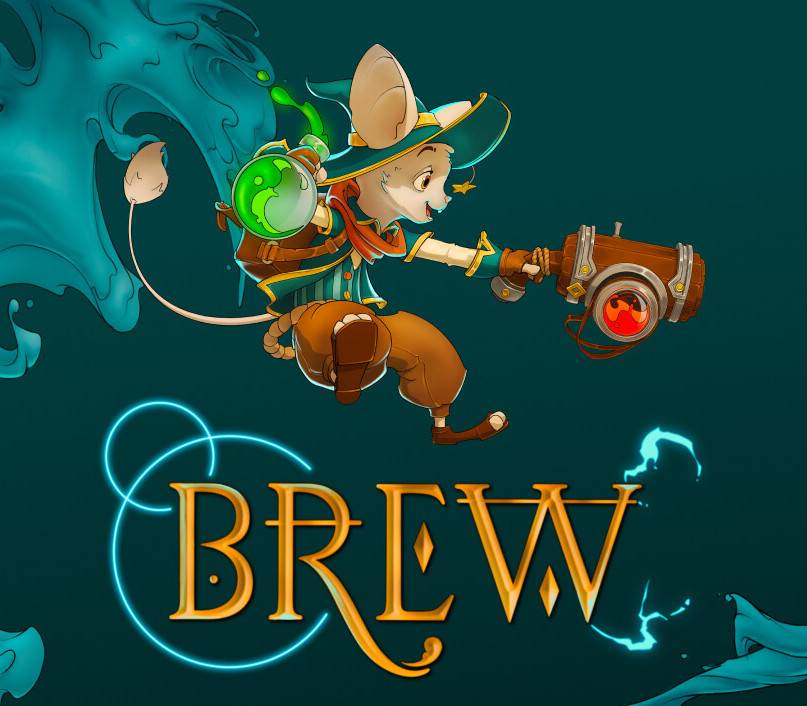
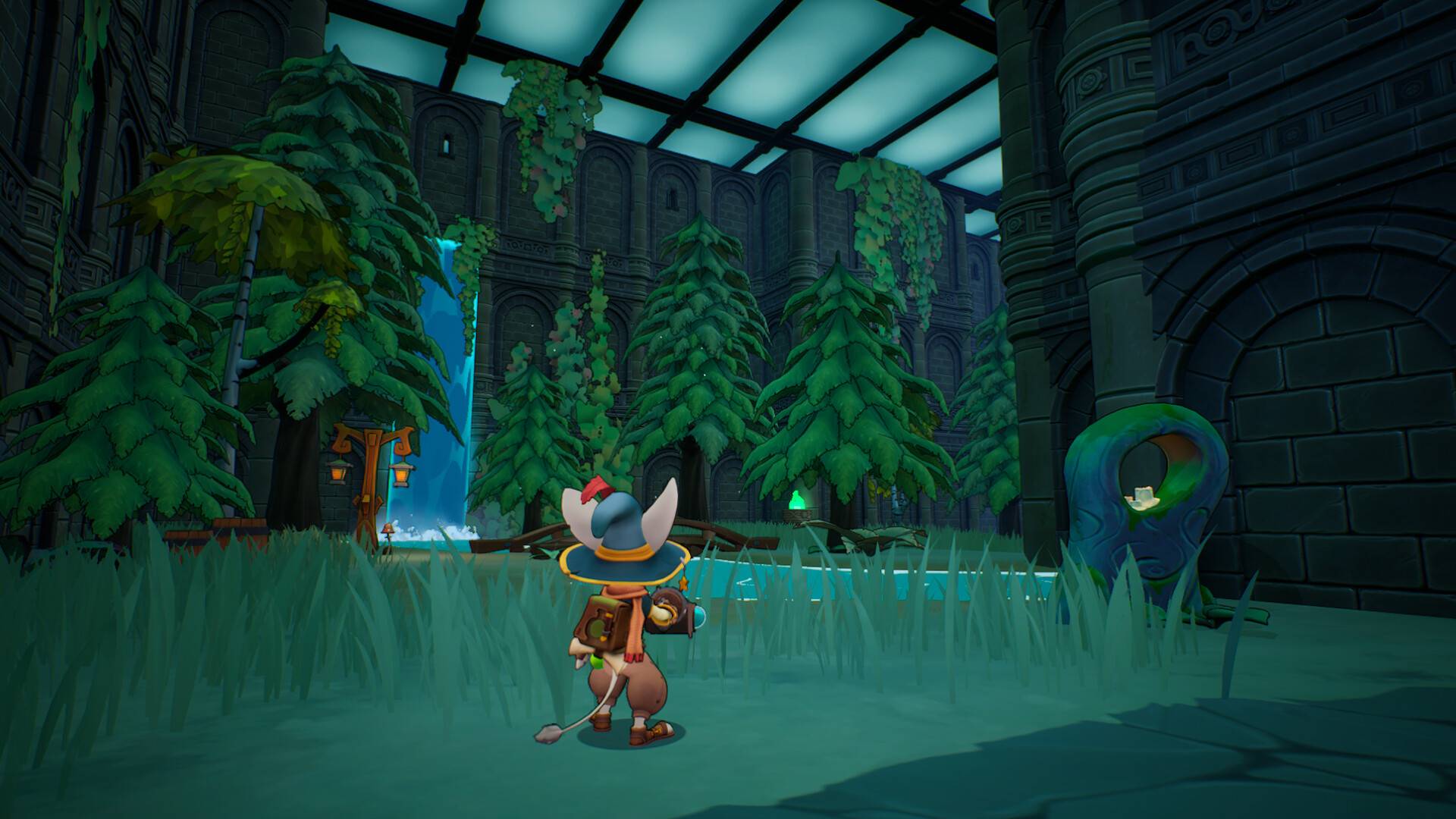
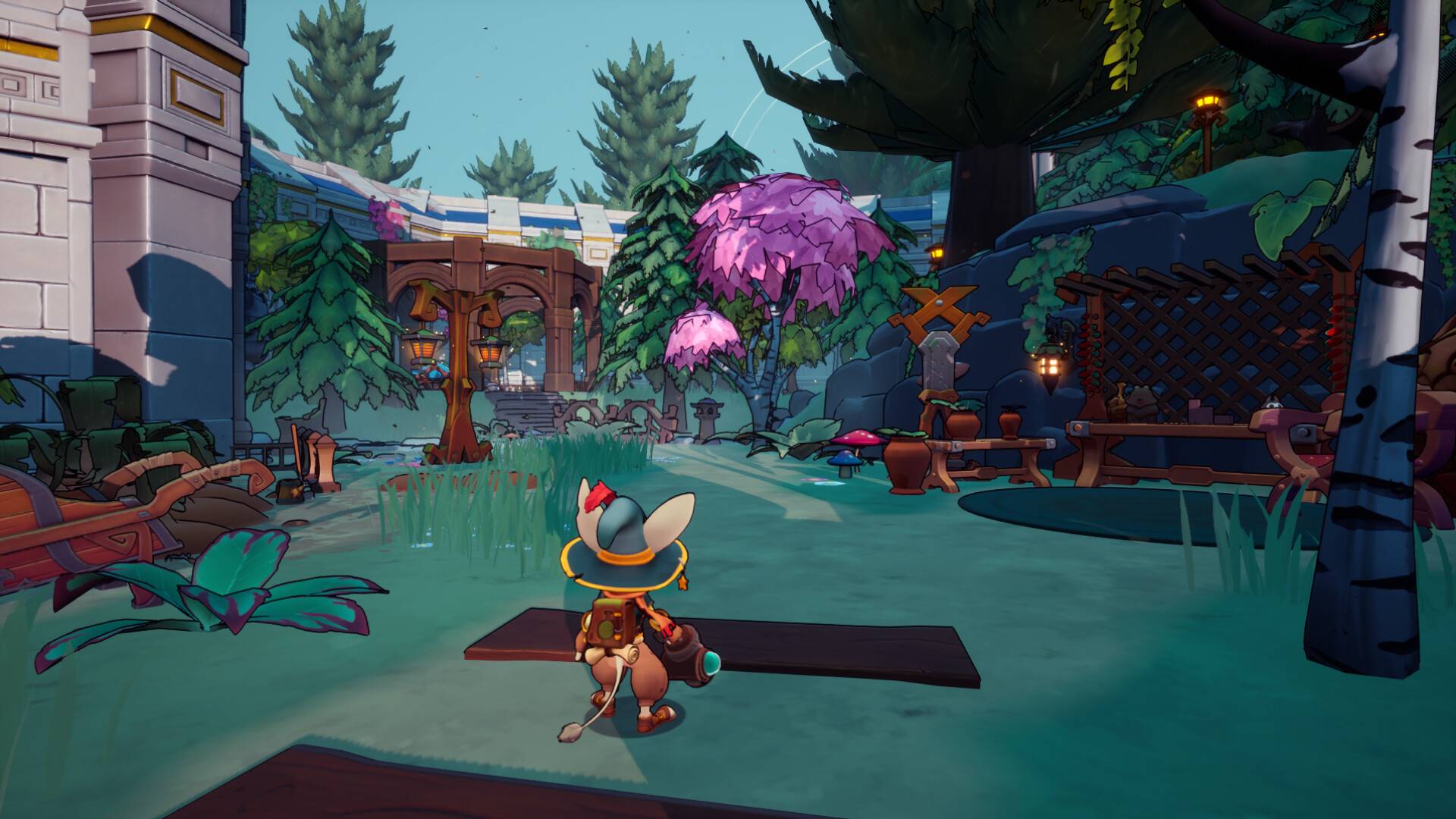
Brew is an action-packed, third-person roguelite RPG developed and published by Snow Leaf Studios. Set within the fantastical Alchion Alchemy Academy, this game challenges players to balance the quick-thinking combat of a roguelite with a unique, intuitive resource management and potion-crafting system. Every attempt to pass your exams and conquer the Academy's ultimate trial, The Tower, demands strategic brewing and quick combat reflexes.
Game Story and Focus: Student Life and Alchemy Exams
You enroll as a budding student-alchemist in the prestigious Alchion Alchemy Academy. The pressure is on, as passing your exams requires successfully navigating the randomized, dangerous levels of The Tower.
-
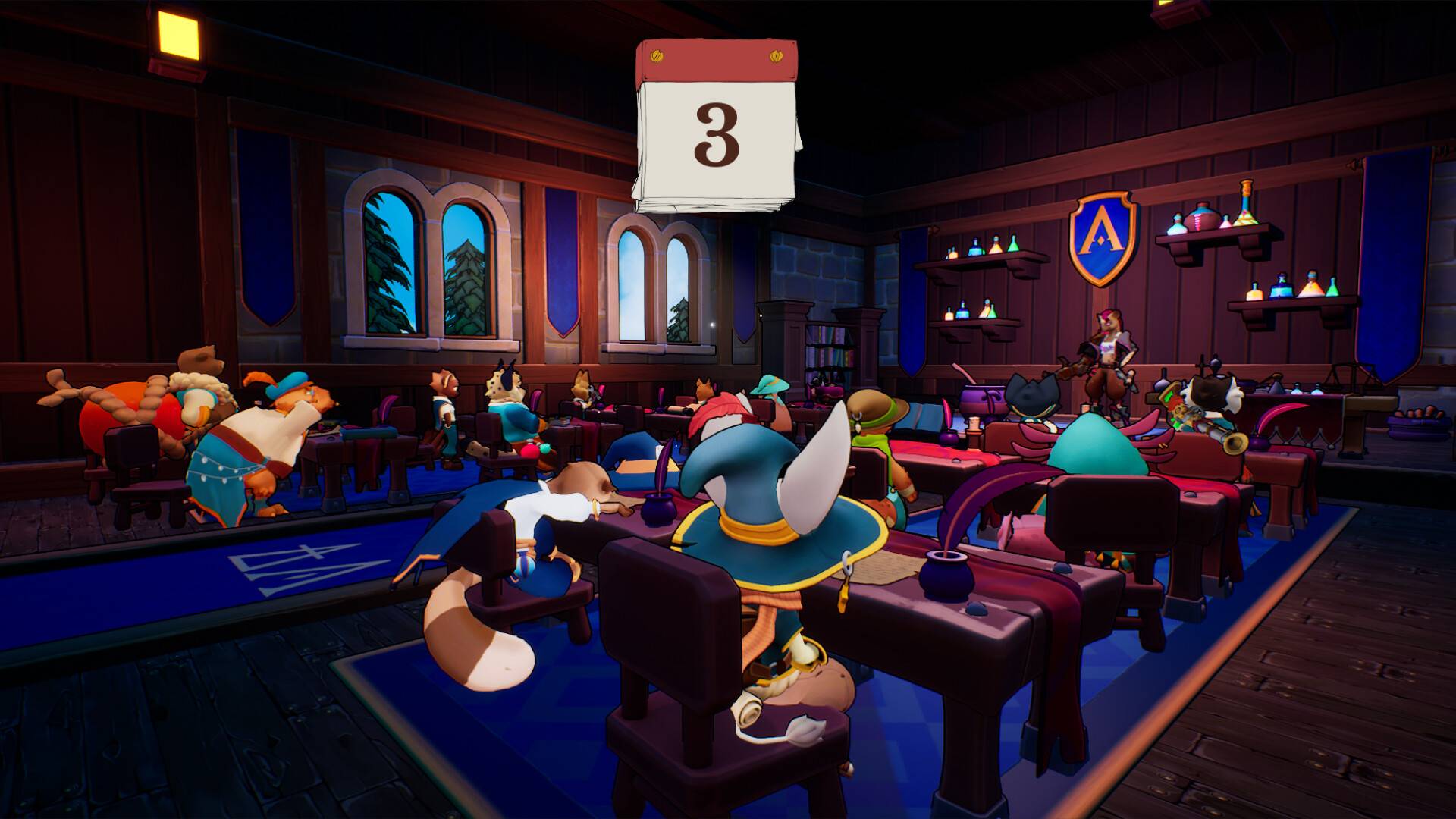
The Narrative: The game combines the excitement of action combat with the cozy elements of student life. You are encouraged to socialize with your fellow classmates and professors in the hub area, as deepening these relationships may unlock secrets or aid your journey.
-
The Focus: The primary loop is defined by resource management in combat. Players must quickly gather ingredients during runs to brew potions in the heat of battle. These elixirs are crucial for survival, providing essential boosts, debuffs, and environmental changes.
Key Features Defining the Roguelite Alchemist
-
Intuitive Potion Crafting: Collect ingredients during runs through The Tower and immediately craft an abundance of potions. These concoctions can boost your stats, affect enemies, or change the battlefield's environment, making potion usage the centerpiece of strategic combat.
-
Action-Packed Third-Person Combat: Engage in fast-paced, fluid combat. Players can wield multiple different weapons, adding variety to their attacks as they defeat dangerous foes and overcome increasingly difficult randomized challenges.
-
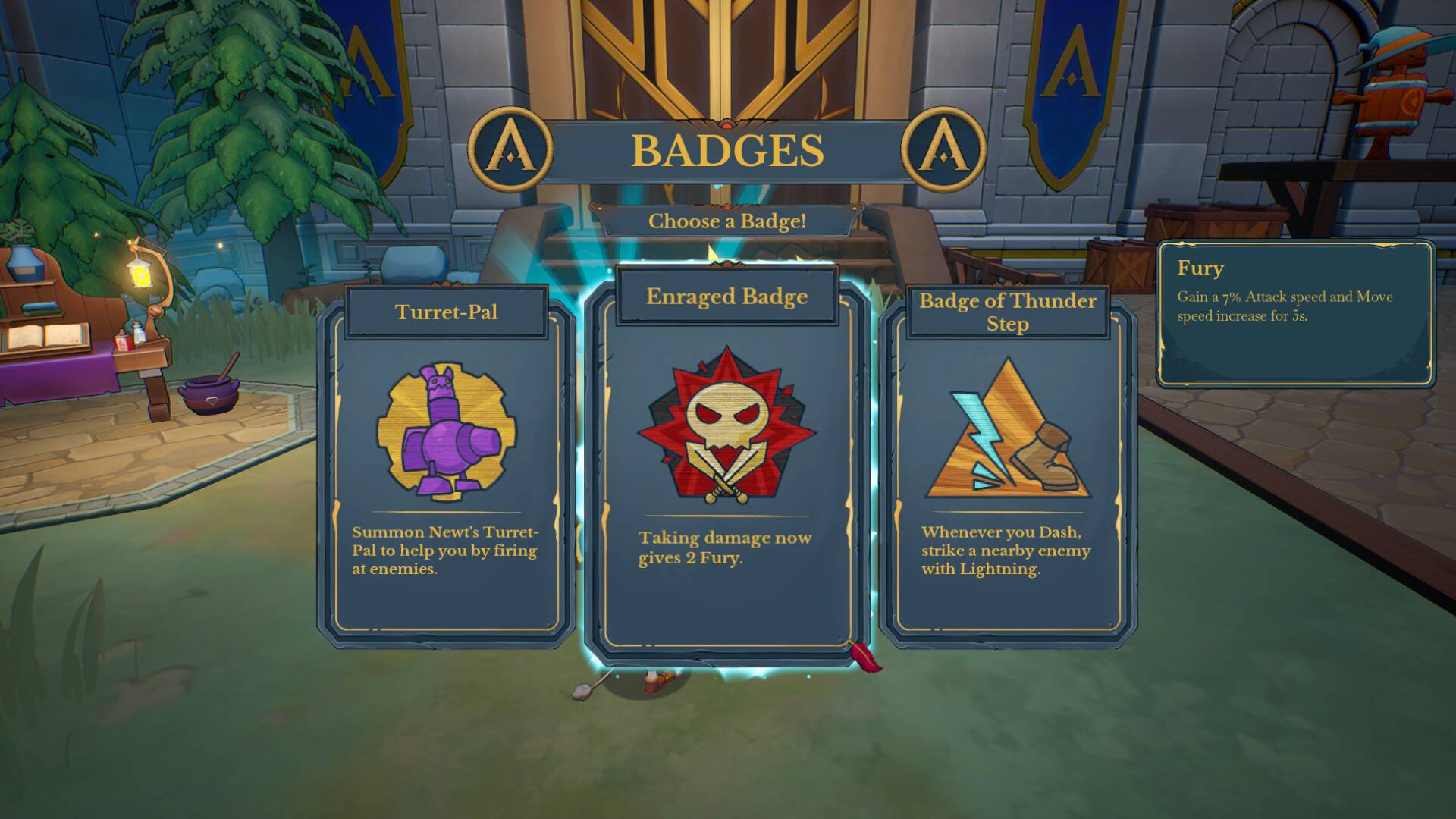
Deep Progression and Customization: Unlock hundreds of unique badges and learn new potion recipes to create a custom playstyle. Permanent progression is also available through character skills and potion upgrades, ensuring that knowledge and growth carry over between runs.
-
Exploration and Secrets: The Tower is filled with secret rooms and hidden challenges. Exploration and resource management are key to discovering the best potion ingredients and unique artifacts that can create devastating synergy builds.
-
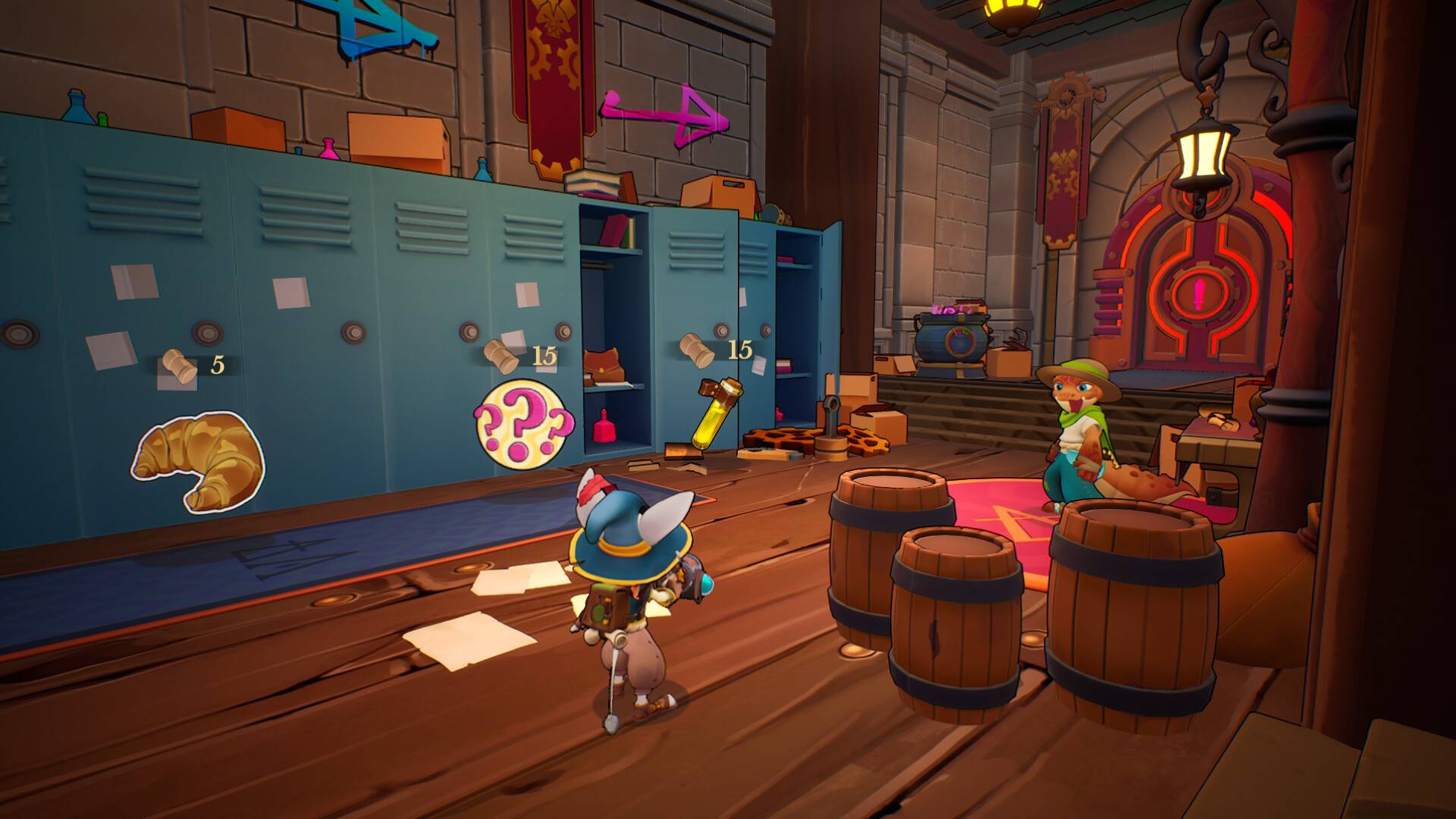
Student Life Hub: Between runs into The Tower, spend time at the Academy. Converse with professors, hang out with classmates, and build friendships. This unique feature adds an RPG layer to the roguelite loop.
-
High Replayability: As a core roguelite title, the randomization of levels, enemies, and loot, combined with the flexible potion-crafting system, ensures that no two exam runs are ever the same.
Brew PC FAQ
Q: What genre is Brew?
A: Brew is an Action Roguelite with strong RPG and Third-Person Combat elements, centered around an alchemy and potion-crafting mechanic.
Q: Does the game support controllers?
A: Yes. The PC version features full support for gamepads and controllers, offering a smooth experience for the third-person action combat.
Q: Is there any multiplayer or co-op?
A: Brew is currently listed as a dedicated single-player experience.
Q: What is "The Tower"?
A: The Tower is the name of the Academy's ultimate trial and the main dungeon where the roguelite action takes place. It is a constantly changing, dangerous environment that tests your alchemy skills.
Q: Is there a demo available?
A: Yes, a demo for Brew was released on Steam prior to the full launch, allowing players to sample the combat and potion-crafting mechanics.
How to Download & Install Brew (Steam Key Activation)
The process for downloading and activating your game key on Steam is standard:
-
Install Steam: If you don't have it, download and install the Steam client on your PC.
-
Activate Product: Open the Steam client, log into your account, and locate the "Games" menu at the top.
-
Enter Key: Choose "Activate a Product on Steam..." from the dropdown menu.
-
Complete Activation: Enter your unique product code exactly as provided in your purchase confirmation and follow the on-screen instructions. The game will now be added to your Steam Library for download and installation.
No reviews found!









No comments found for this product. Be the first to comment!