 English


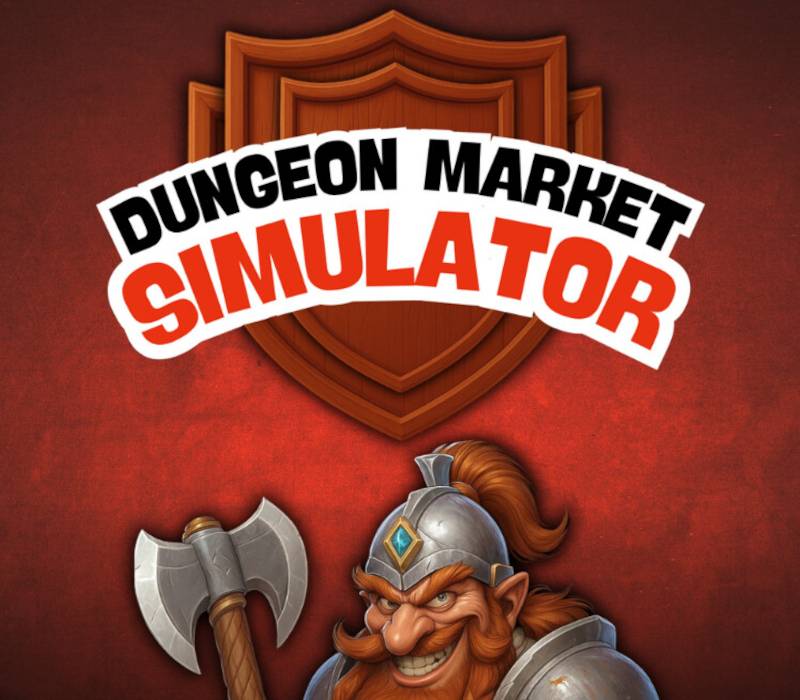


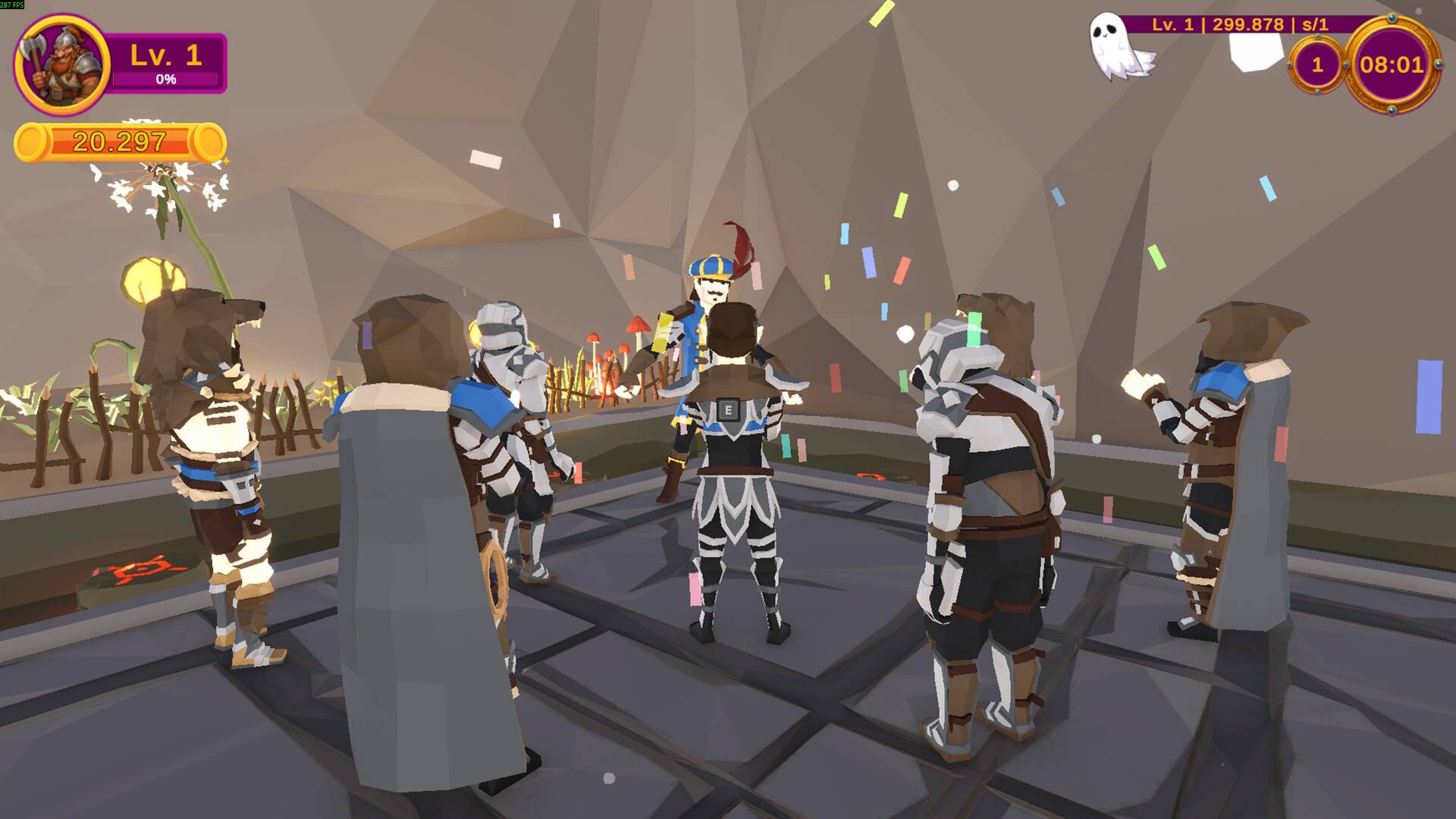

Dungeon Market Simulator Steam Key | Strategic Medieval Trading & Trap Management PC
Release Date
-
Release Date: December 3, 2025 (Early Access Launch)
-
Platform: PC (Steam Global Key)
Dungeon Market Simulator: The Cunning Dwarf Shopkeeper's Trade
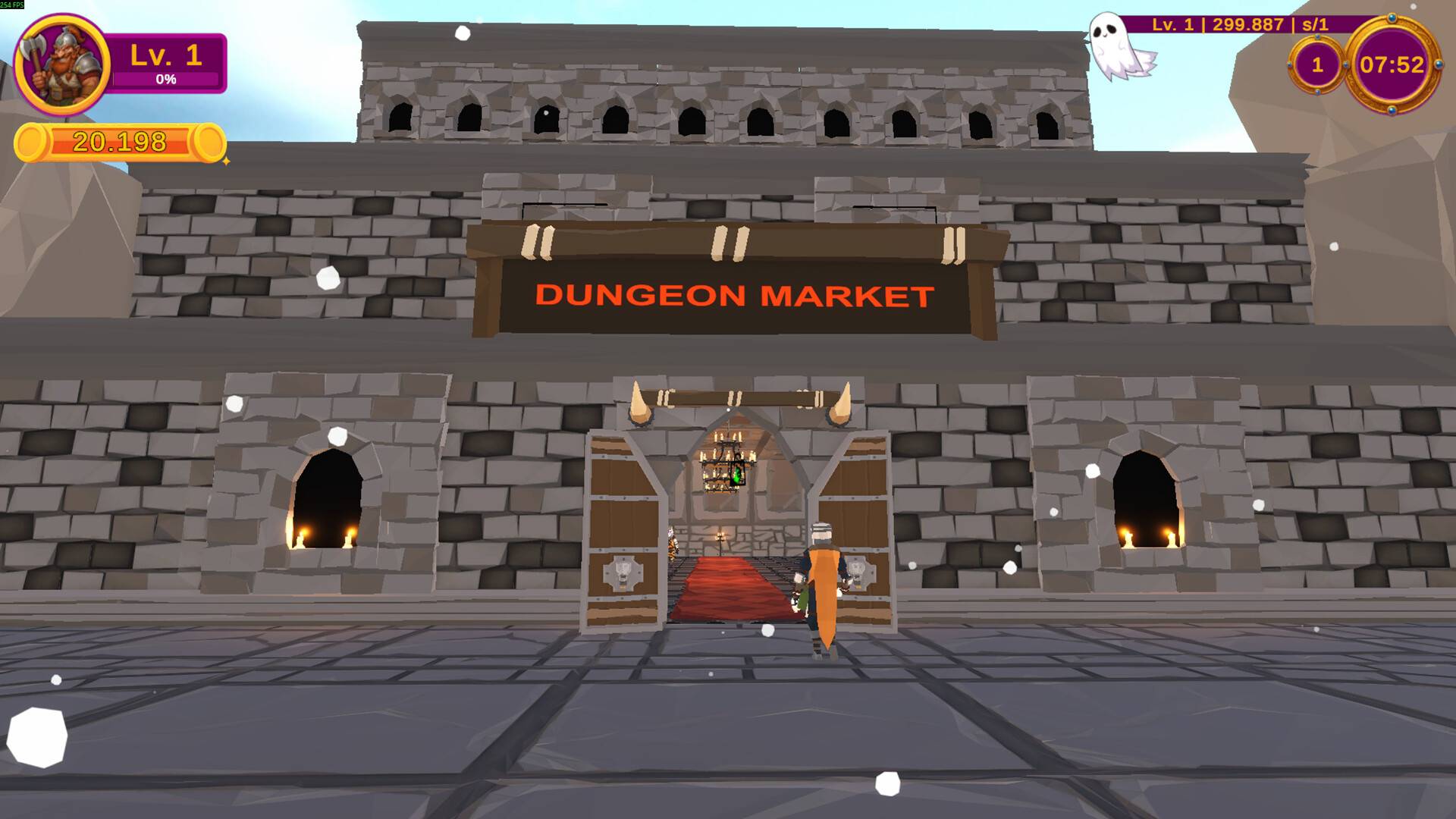
Dungeon Market Simulator is a unique strategic simulation game developed by DarkRook Interactive that flips the typical medieval fantasy setting. Instead of playing as an adventurer, you take on the role of a cunning dwarf shopkeeper running a mysterious market within a dungeon. This game blends classic item management and bartering with a dark, twisty mechanic: luring "outcast warriors" into your trap-filled establishment to acquire highly valuable inventory.
Game Story and Focus: Profit from Peril
Set in the heart of the medieval world, you operate a market that profits from the very adventurers and misfits who seek glory and loot.
-
The Narrative: Your success depends on your ability to be a shrewd businessman and an effective dungeon manager. You are not only trading items but orchestrating dangerous scenarios to enrich your stock, ensuring your market becomes the premier source for legendary, albeit mysterious, items.
-
The Focus: The core experience revolves around a loop of strategic trap placement, item acquisition via dungeon clearing, upgrading loot, and clever bartering. It requires a blend of resourcefulness, negotiation skill, and dungeon design expertise to maximize profit.
Key Features Defining the Strategic Simulation
-
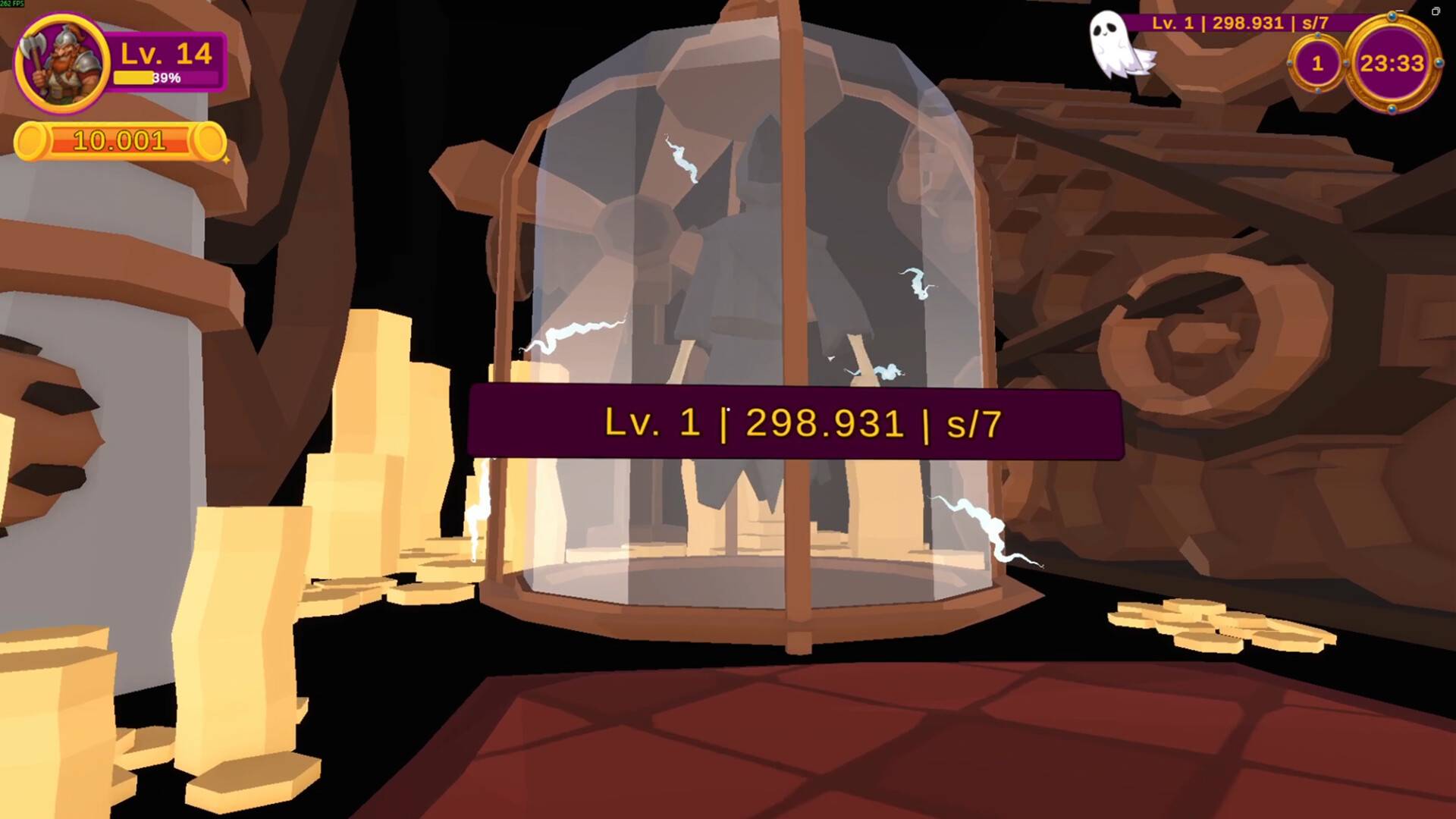
Trap-Equipped Dungeon Management: Equip your market's hidden areas (dungeons) with various deadly traps. Strategically set up these hazards to lure and defeat outcast warriors, ensuring they leave behind valuable mysterious chests for you to loot.
-
Item Upgrading and Valuation: Hunt for over 100 unique arcane items. Use a detailed upgrade system to significantly enhance the items you obtain, increasing their value and making them desirable to high-paying customers.
-
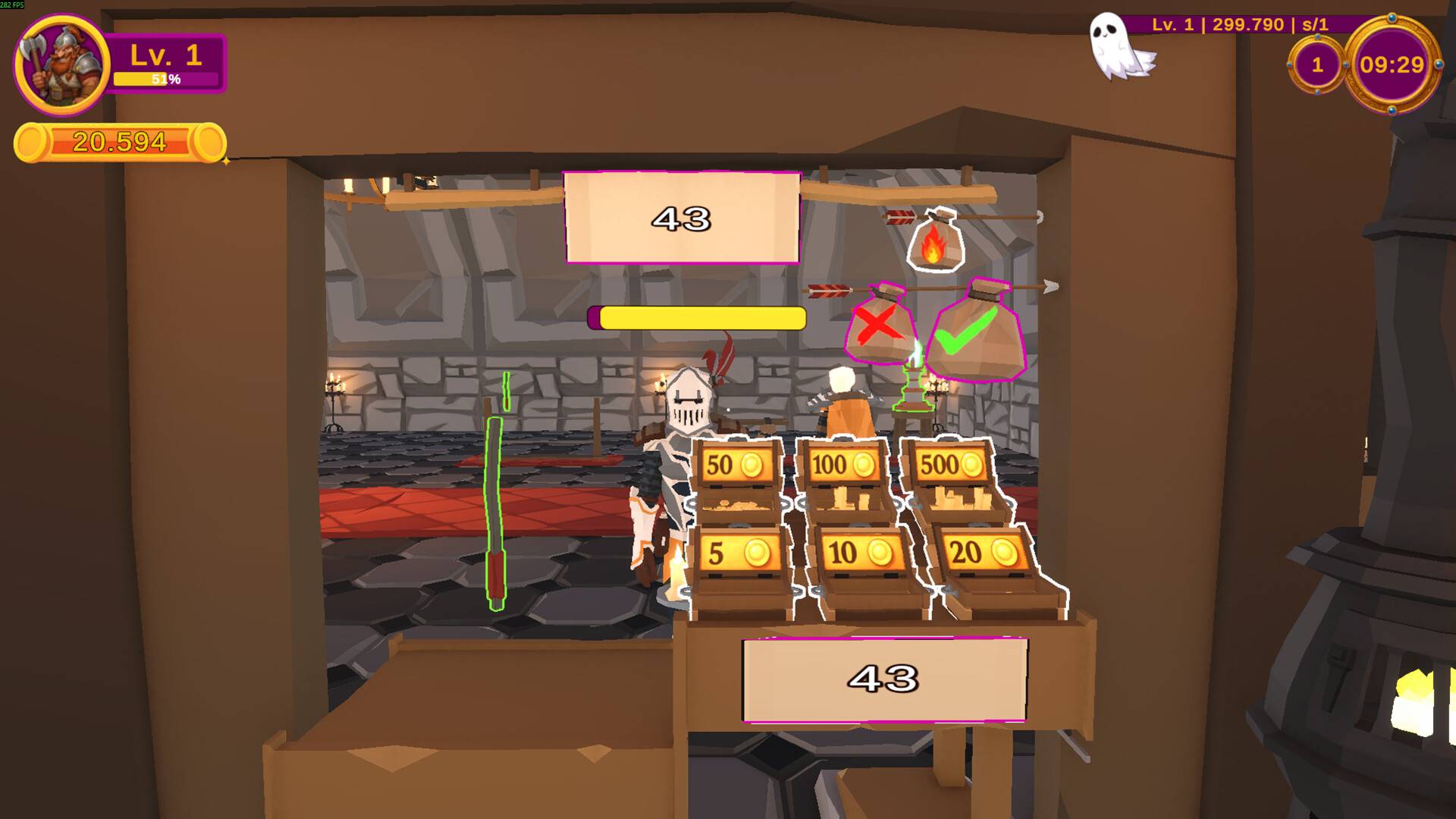
Clever Bargaining Mechanics: Engage in realistic and often tense negotiations with customers. Master the art of the bargain to maximize your profits and earn promotions, raising your status in the medieval trading world.
-
Power and Profit Progression: Invest in various upgrade totems and utilize clever trading strategies to grow both your personal power and your market's overall profit margin.
-
Strategic Simulation Hybrid: The game offers a unique blend of genres, combining the relaxed, focused task management of a market simulator with the strategic thinking required to effectively manage a dungeon and its deadly traps.
-
Early Access Development: The game launched in Early Access, meaning ongoing developer support includes new features, items, and expanded gameplay based on community feedback.
Dungeon Market Simulator PC FAQ
Q: What is the main loop of the game?
A: The loop involves setting traps to lure warriors, looting the resulting mysterious chests, upgrading the acquired items (weapons, armor, relics), and then selling them to new customers for a profit.
Q: Is there direct player combat?
A: No. The combat is automated based on the traps and dungeon design you set up. Your role is primarily strategic management, loot acquisition, and trading, not traditional fighting.
Q: What kind of items can I upgrade?
A: You can upgrade over 100 unique items, ranging from weapons and armor to various arcane and mystical artifacts found within the chests.
Q: Does the game support controllers?
A: Yes.The PC version features controller support, offering flexibility for players who prefer a gamepad for simulation and strategy titles.
Q: What is the goal of negotiating with customers?
A: Negotiation is critical to maximizing profit. By haggling effectively, you ensure you get the highest possible price for your upgraded items, which is essential for reinvestment and market growth.
How to Download & Install Dungeon Market Simulator (Steam Key Activation)
The process for downloading and activating your game key on Steam is standard:
-
Install Steam: If you don't have it, download and install the Steam client on your PC.
-
Activate Product: Open the Steam client, log into your account, and locate the "Games" menu at the top.
-
Enter Key: Choose "Activate a Product on Steam..." from the dropdown menu.
-
Complete Activation: Enter your unique product code exactly as provided in your purchase confirmation and follow the on-screen instructions. The game will now be added to your Steam Library for download and installation.
No reviews found!



No comments found for this product. Be the first to comment!