 English



NXPowerLite Desktop 10 | The Intelligent File Compressor PC
Release
-
Official Release Date: July 10, 2023 (Version 10.0.1)
-
License Type: Perpetual/Lifetime (One-time purchase per user)
-
Platform: Windows 11, 10, 8, 7 | macOS 11 (Big Sur) and above
NXPowerLite Desktop 10: Seamless File Reduction
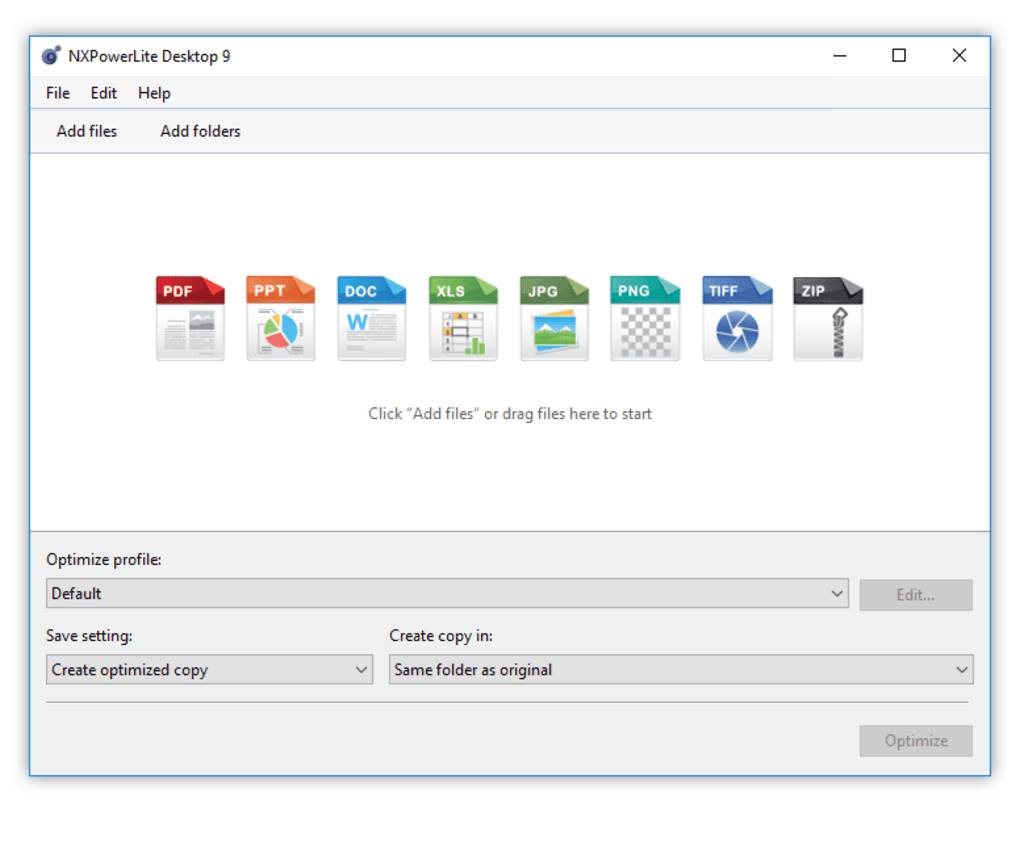
NXPowerLite Desktop 10 is a specialized file compression utility designed to shrink large PDFs, Microsoft Office documents, and images by up to 95% while maintaining their original file format. Unlike standard "zipping," it optimizes the internal data of the file—such as high-resolution images and embedded objects so the recipient doesn't need any special software to open the results. The 10th edition introduces a "big leap forward" in speed and usability, specifically targeting files that previously resisted compression.
Key Features Defining Elite Optimization
-
Same File Extension: Files remain in their original format (e.g., .pptx remains .pptx), meaning they don't need to be "unzipped" to be viewed.
-
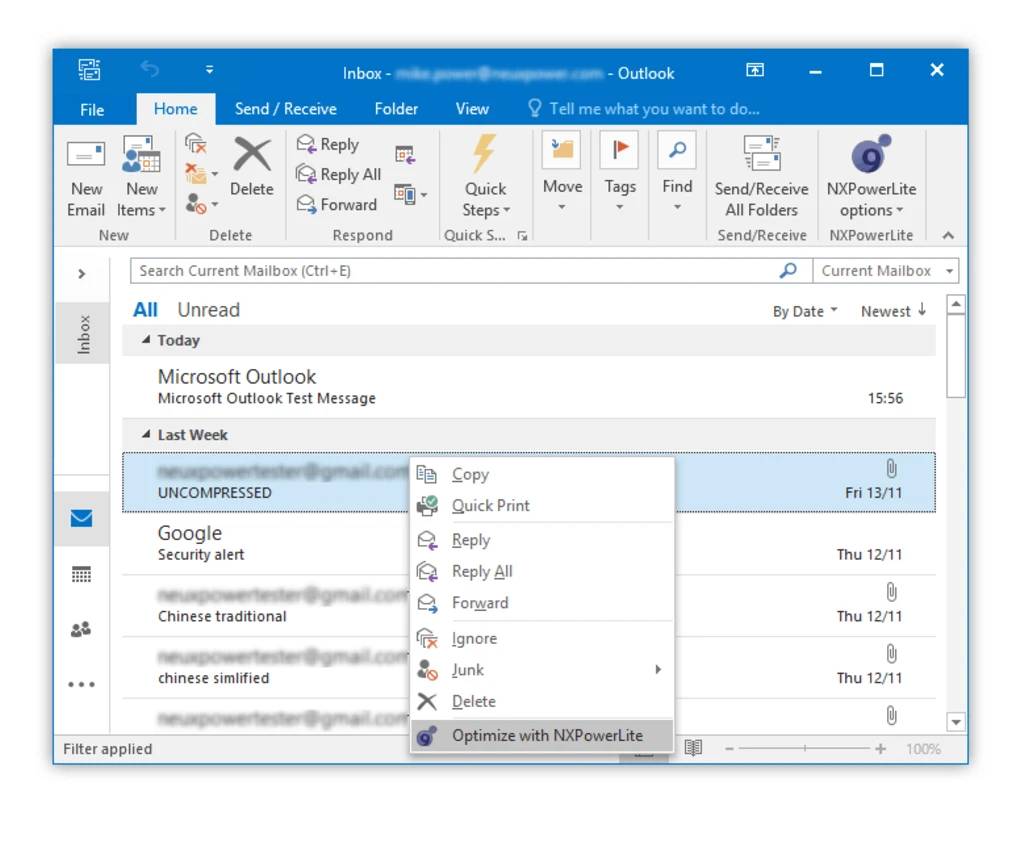
Explorer & Outlook Integration: Right-click files directly in Windows Explorer to optimize them, or let the software automatically shrink Outlook email attachments as they are sent.
-
Batch Processing: Power users can compress up to 10,000 files at once, making it highly efficient for clearing out bloated document folders.
-
New "Analyse" Feature: Version 10 includes a tool to help you understand why a file won't compress, guiding you on how to fix internal bloat manually if needed.
-
Custom Profiles: Create specific settings (e.g., "Screen Quality" vs. "High-Res Print") to switch between different optimization needs instantly.
-
Clean Excess Formatting: Specifically for Excel (XLSX), it removes hidden excess cell formatting that often causes spreadsheets to grow massive for no apparent reason.
NXPowerLite Desktop 10 PC FAQ
-
Q: Can I use one license for both my PC and my Mac?
-
A: Yes. Registration keys for NXPowerLite Desktop are cross-platform, allowing you to use the same key on both Windows and macOS.
-
-
Q: Does it reduce the quality of my photos?
-
A: Minimally. It uses "lossy" compression designed to be visually indistinguishable from the original for standard office and screen use.
-
-
Q: What happens if I have a file larger than 100MB?
-
A: No problem. Unlike many online tools that have a 50MB limit, the Desktop version can handle very large files with no specific size cap.
-
-
Q: What are the minimum system requirements?
-
A: Windows: Windows 7 or higher and .NET Framework 4.7.2. Mac: macOS 11.0 (Big Sur) or higher.
-
How to Install NXPowerLite Desktop 10 (Key Activation)
-
Download Installer: Download the
.msi(Windows) or.dmg(Mac) installer from the official Neuxpower website. -
Run Setup: Follow the installation wizard. During setup, you can choose to enable the Outlook and Windows Explorer extensions.
-
Enter Registration Key: Launch the application and click on "Enter Key" (usually found under the Help or About menu).
-
Instant Activation: Paste your purchased key to unlock the software permanently. No recurring subscription is required.
No reviews found!





No comments found for this product. Be the first to comment!