 English


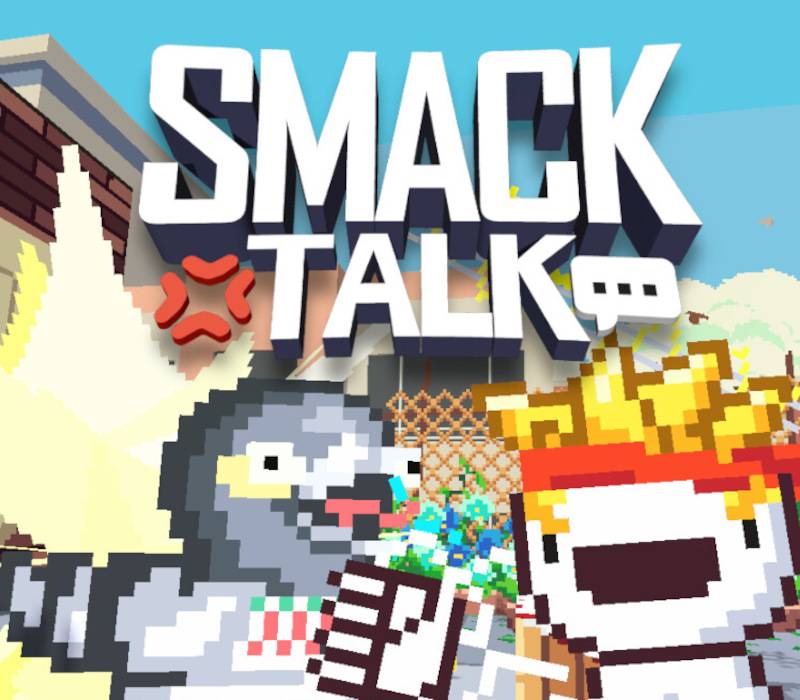
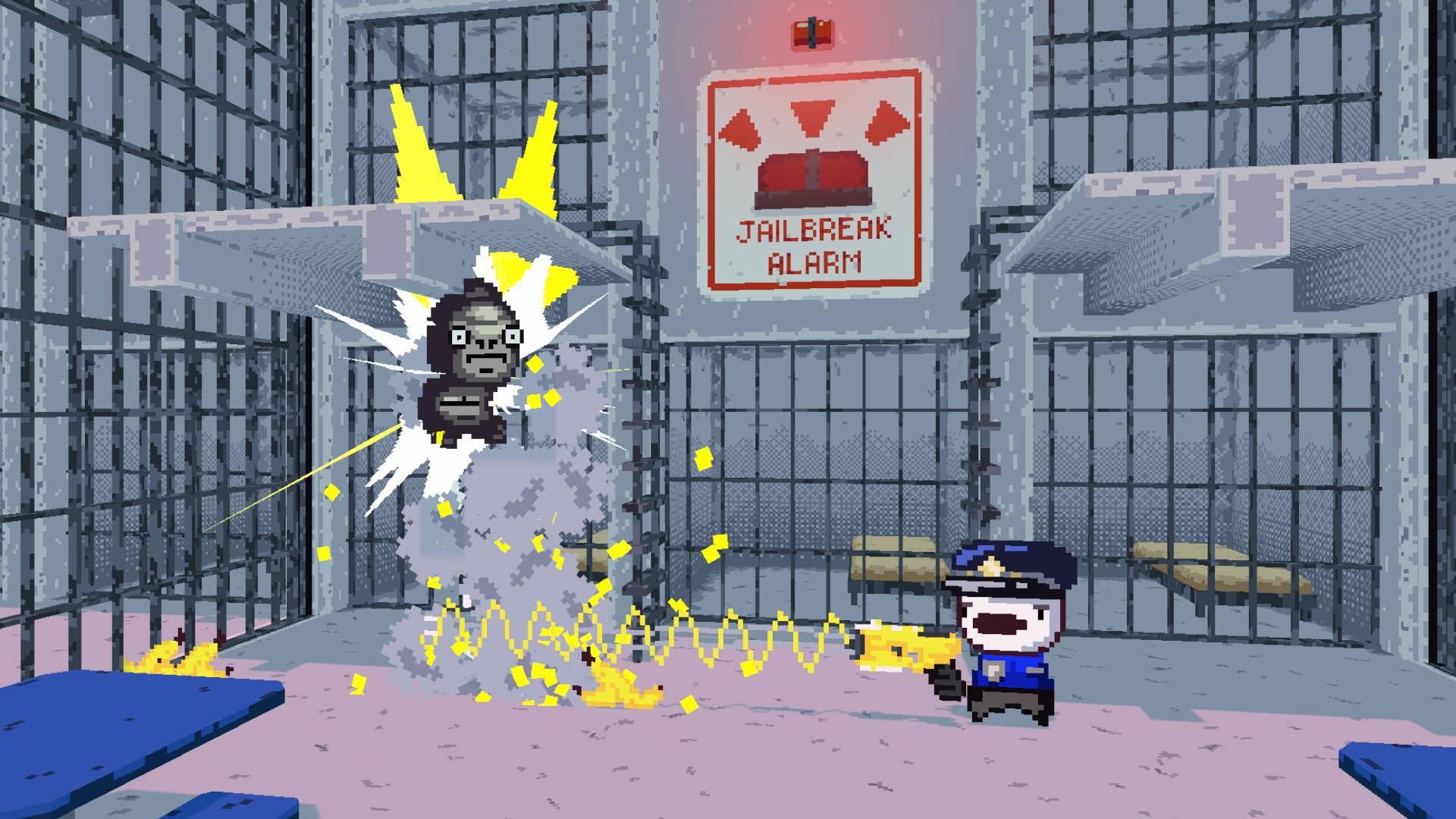
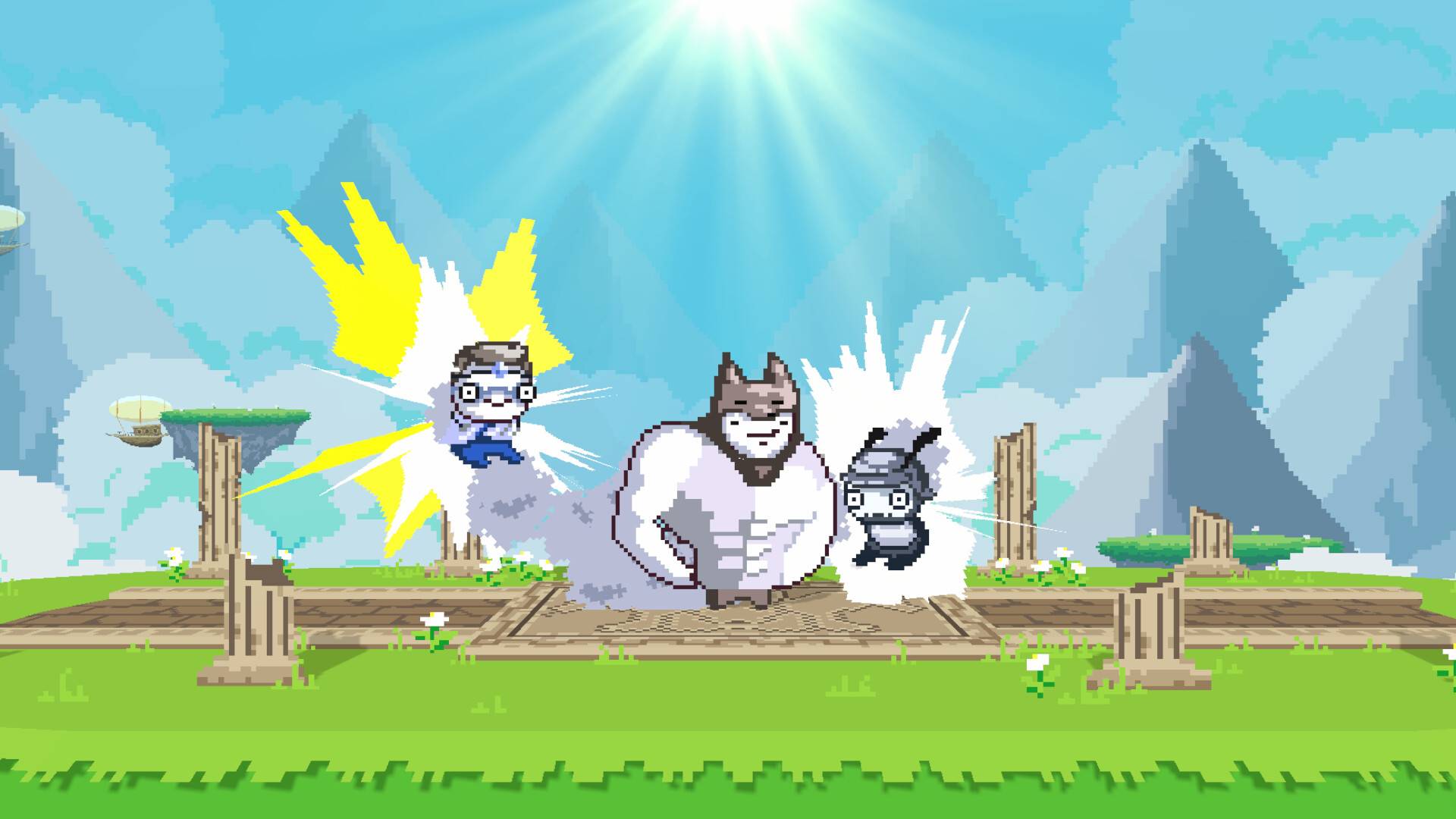
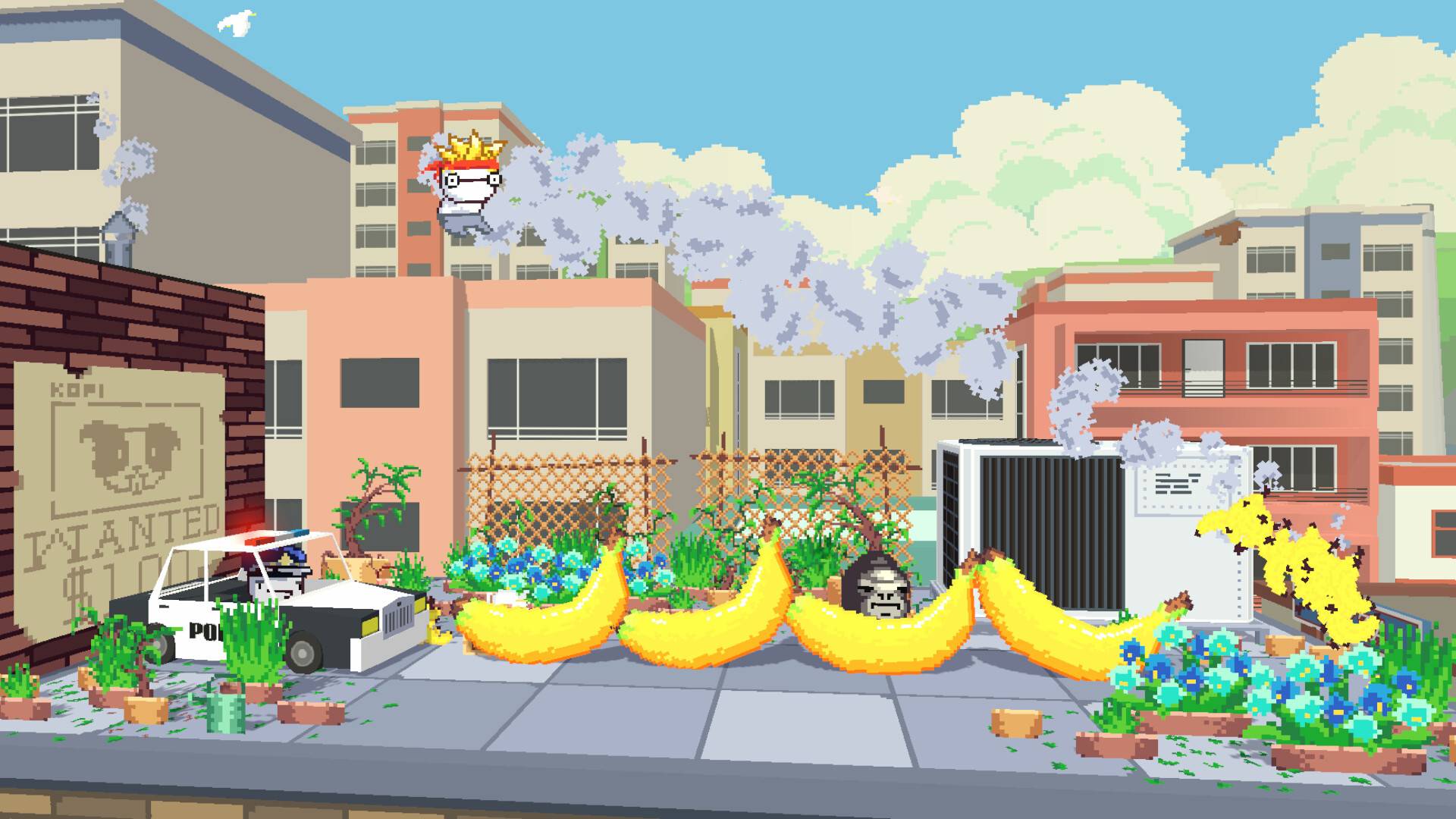
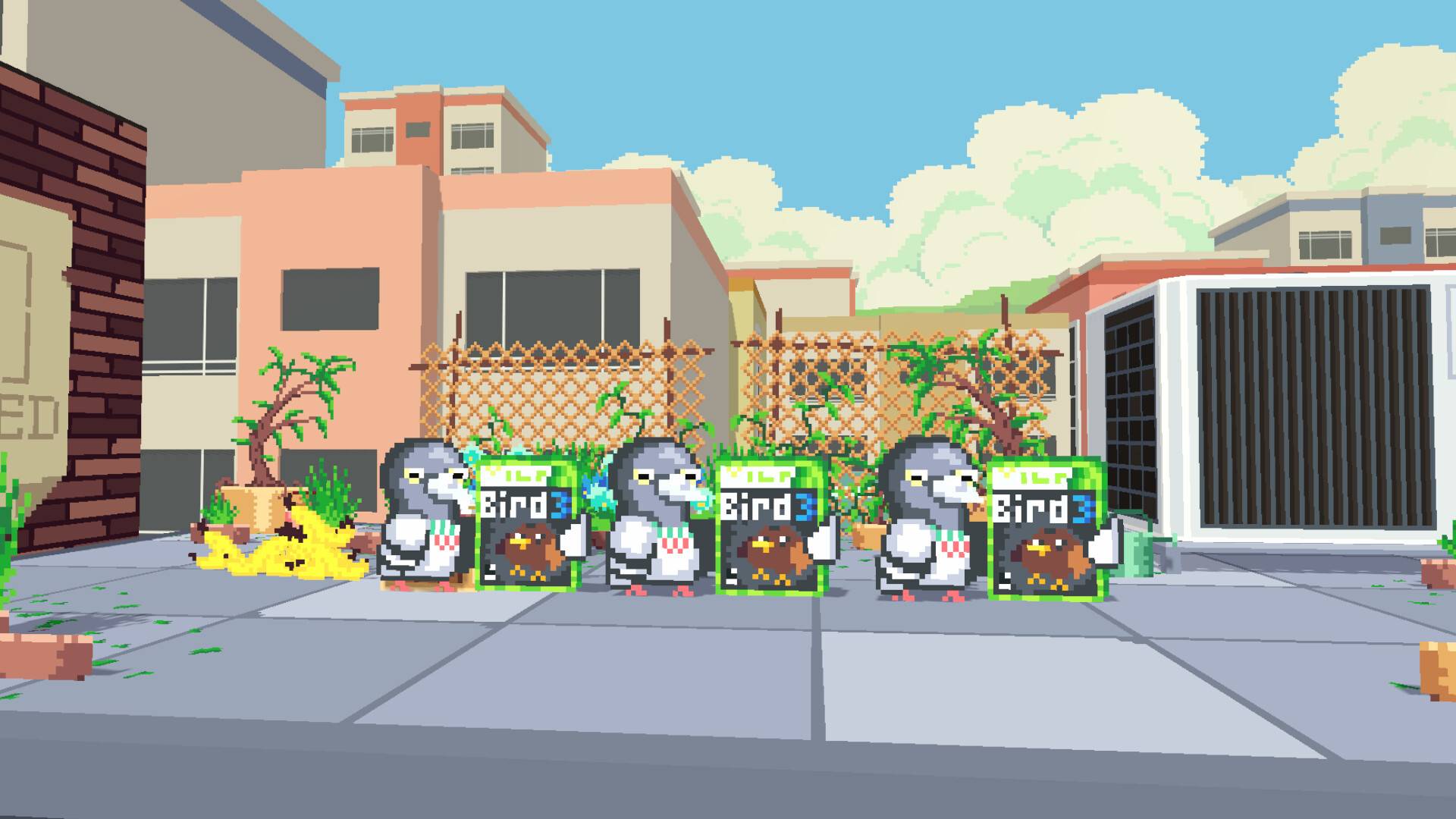
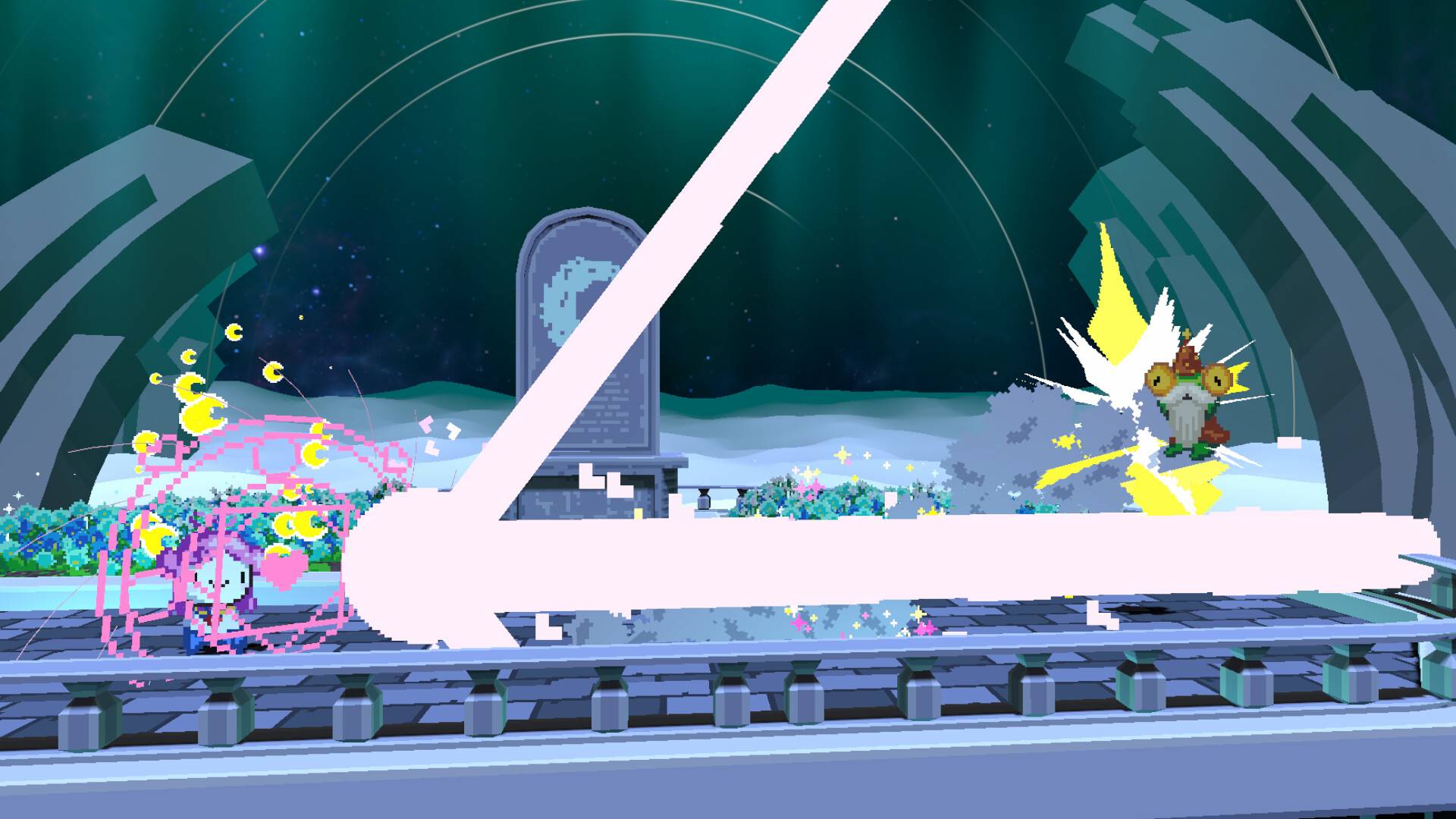
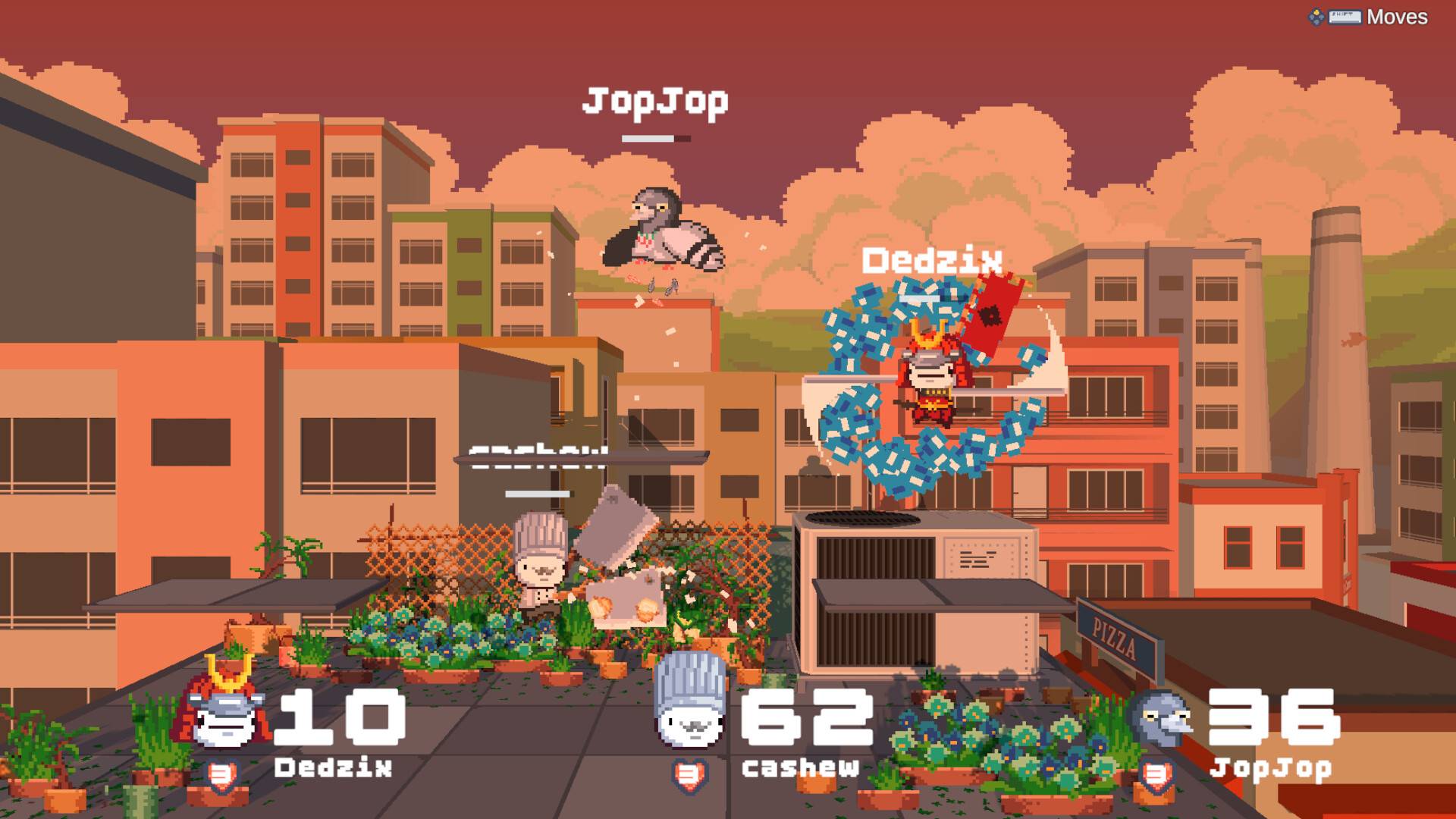

Smack Talk | The Ultimate Retro Combat PC Game
Release
-
Official Release Date: November 14, 2024
-
Platform: Windows 11, 10 (64-bit)
Smack Talk: Fast-Paced Retro Fighting Action
Smack Talk is an indie fighting game designed for players who crave the high-speed, pixel-art intensity of 90s arcade brawlers. Developed by Salty Dog Games, it focuses on a "trash-talk" mechanic where players can boost their character's stats or demoralize opponents by timing insults during combat. Unlike complex 3D fighters, it prioritizes frame-perfect execution and tight 2D hitboxes, making it a favorite for local competitive play and speedrunning.
Key Features Defining the Brawl
-
Insult System: A unique "Talk" button allows you to taunt opponents to fill your Adrenaline Meter, unlocking devastating ultimate moves.
-
Pixel-Perfect Art: Hand-drawn animations and vibrant retro stages that pay homage to the 16-bit era of gaming.
-
Local & Online Multiplayer: Face off against friends on the same screen or challenge rivals globally with rollback netcode for lag-free matches.
-
Diverse Roster: Choose from 12 unique fighters, each with distinct archetypes including grapplers, rush-down specialists, and zoners.
-
Dynamic Environments: Interactive stages where you can use the background to trap or damage your opponents.
-
Robust Training Mode: Includes frame-data visualization to help competitive players master every move in their arsenal.
Smack Talk PC FAQ
-
Q: Does the game support controllers?
-
A: Yes. It is fully compatible with Xbox, PlayStation, and generic arcade sticks.
-
-
Q: Can I run this on a low-end laptop?
-
A: Yes. The game is highly optimized and only requires an integrated GPU and 4GB of RAM.
-
-
Q: Is there a single-player campaign?
-
A: Yes. It features an Arcade Mode with individual character endings and a challenging Boss Rush.
-
-
Q: How much disk space is required?
-
A: Only 500 MB, making it a very quick download.
-
How to Install Smack Talk (Key Activation)
-
Purchase/Obtain Key: Buy the game through a certified digital platform.
-
Activate Product: Open your game client, navigate to the "Add a Game" section, and enter your activation code.
-
Download and Play: The game will be added to your library instantly.
-
Configuration: Upon first launch, the game will automatically detect your controller and set the optimal resolution.
No reviews found!
No comments found for this product. Be the first to comment!