 English




H1: ACDSee Gemstone Photo Editor 12 Key | Layered Photo Editing & Raw Processing PC
Release Date
-
Release Date: January 20, 2022
-
License Type: Perpetual / Lifetime License for 1 PC
-
Platform: Windows 11, Windows 10 (64-bit)
ACDSee Gemstone Photo Editor 12: Precision Editing for Digital Artists
ACDSee Gemstone Photo Editor 12 is a streamlined and powerful photo editing application developed by ACD Systems. It is designed for both professional photographers and digital artists, focusing on layered editing, non-destructive workflows, and high-performance RAW processing. It offers a versatile and affordable alternative to more complex subscription-based software, specializing in retouching, compositing, and creative effects.
The Problem It Solves
Gemstone 12 provides an efficient solution for users who need comprehensive photo manipulation tools—including layered blending, AI features, and effect brushes—without the complexity or ongoing subscription cost often associated with industry-standard competitors. It allows for advanced image adjustments, combining multiple photos via a Multi-Document Interface (MDI), and creating intricate graphic designs.
Key Features Defining Precision Photo Editing
-
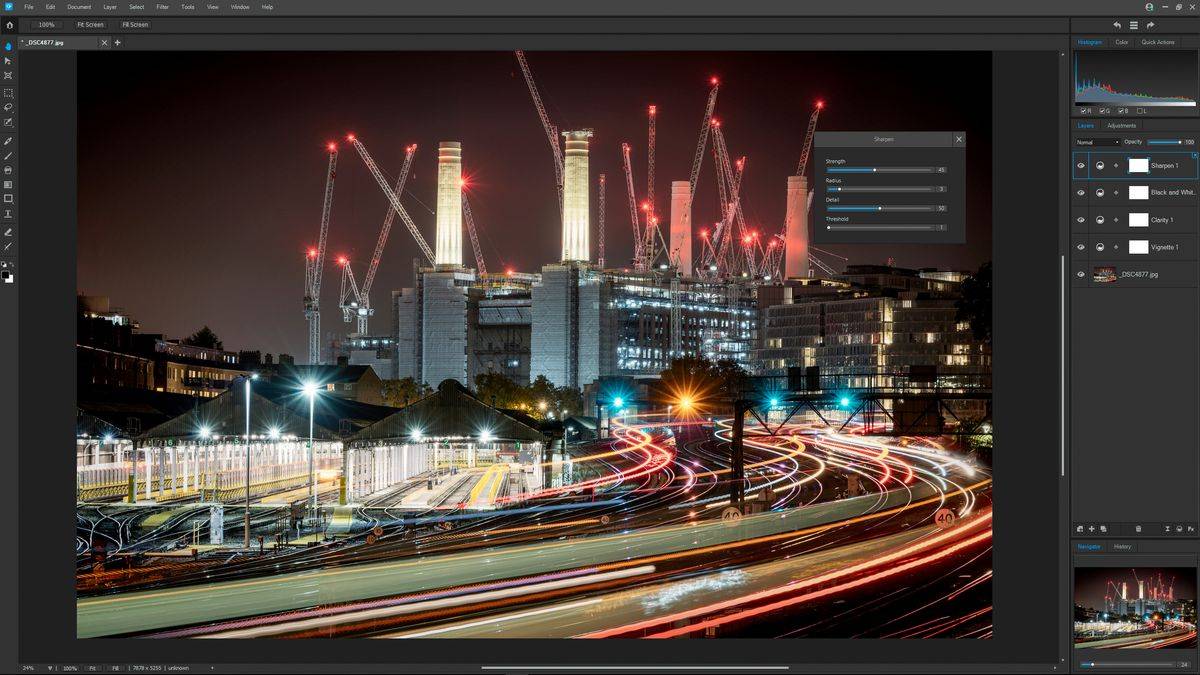
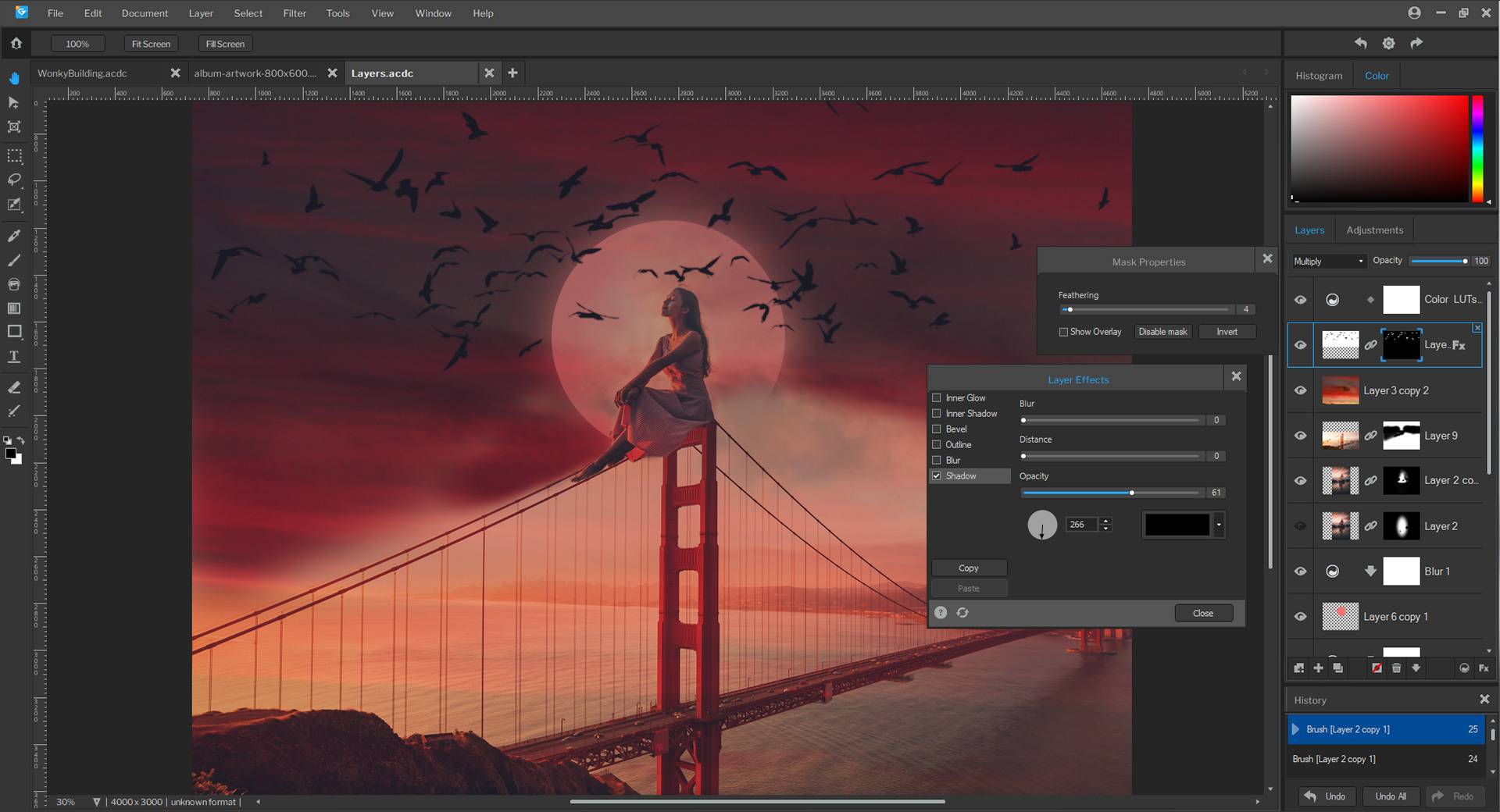
Layered Editing and Compositing (MDI): The cornerstone feature, utilizing a Multi-Document Interface to allow users to combine multiple images, effects, and text layers non-destructively. This is essential for complex photo composites and graphic design.
-
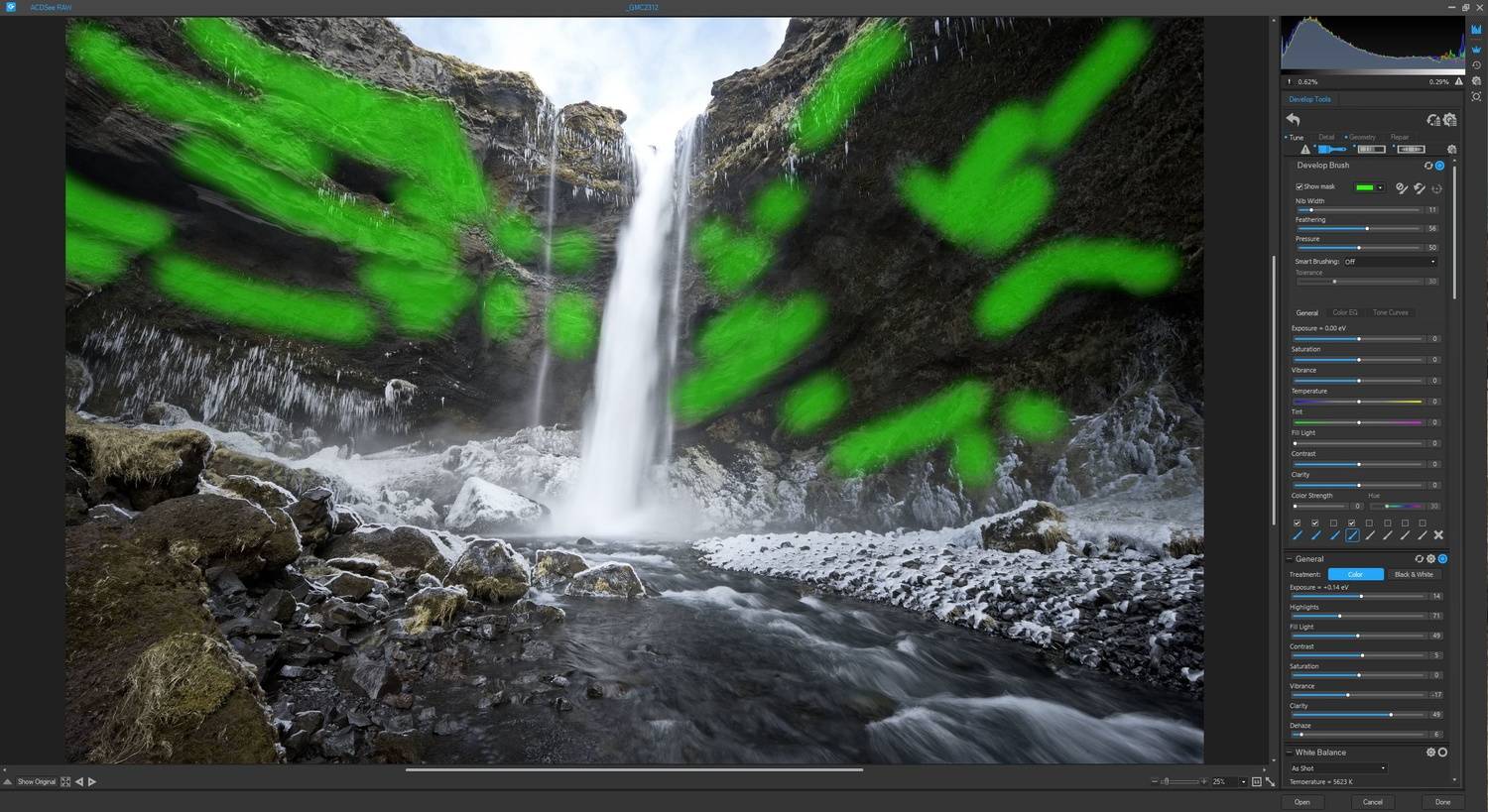
Non-Destructive RAW Processor (ACDSee RAW): Includes a robust, high-quality engine for processing RAW files from over 500 camera models. Users gain essential control over initial color, detail, and exposure corrections before proceeding to the layered editor.
-
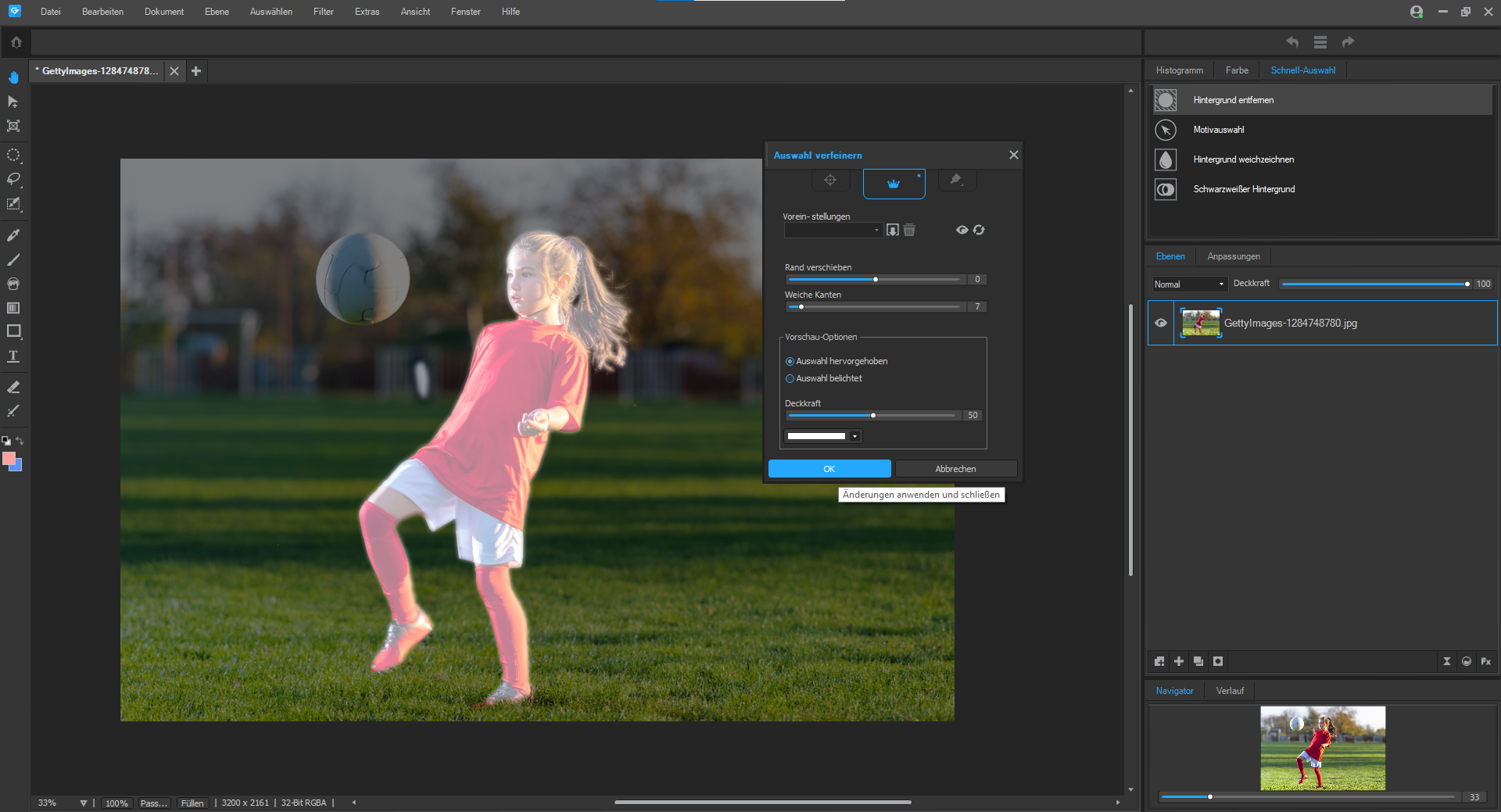
AI-Powered Quick Actions: Features automation tools, including AI Object Selection, AI Sky Select, and AI Subject Select, which quickly and accurately isolate areas for targeted adjustments, retouching, or background replacement.
-
Advanced Masking and Selection: Offers sophisticated tools like Luminance and Color Range Masking to make precise, non-destructive selections based on brightness or hue, ensuring targeted local adjustments are applied flawlessly.
-
Comprehensive Adjustment Layers: Provides a vast array of adjustment layers—including Tone Curves, Color Wheels, and Light EQ—allowing users to apply complex corrections and effects that can be tweaked or removed at any time.
-
Full Geometric and Detail Control: Includes essential tools for correcting lens distortion, perspective, chromatic aberration, noise reduction, and the Liquify Tool for creative distortion.
-
Perpetual License Model: The key purchase grants you a lifetime license to use version 12 of the software on one PC, offering excellent long-term value compared to subscription plans.
ACDSee Gemstone Photo Editor 12 PC FAQ
Q: Is ACDSee Gemstone Photo Editor 12 a subscription product?
A: No. The product key listed is typically for a Perpetual/Lifetime License, meaning you own the software version 12 indefinitely with a single one-time purchase.
Q: Is this an image browser or cataloger?
A: No. Gemstone 12 is primarily an editing and retouching program. For large-scale image cataloging and browsing, ACD Systems offers its Photo Studio line.
Q: Does the software support RAW files?
A: Yes. The program includes a comprehensive non-destructive RAW processor that handles files from most modern digital cameras (over 500 camera models supported).
Q: What operating systems are supported?
A: The software is designed to run exclusively on Windows 11 and Windows 10 (64-bit) operating systems, though some older versions also support Windows 7 and 8.
Q: What is the main benefit of the MDI (Multi-Document Interface)?
A: The MDI allows you to open and work on multiple images simultaneously in different tabs or windows, which is crucial for compositing, referencing, and complex layered editing workflows.
How to Download & Install ACDSee Gemstone Photo Editor 12 (Key Activation)
The process for downloading and activating your software key is straightforward:
-
Download Software: Obtain the setup file for ACDSee Gemstone Photo Editor 12 from the official ACD Systems website or a trusted retail source.
-
Run Setup: Double-click the downloaded setup file to begin the installation process.
-
Enter and Activate Key: During the installation, you will be prompted to enter your unique license key. Enter the key exactly as provided to activate the software.
-
Complete Installation: Follow the on-screen prompts to finish the installation. The program will be fully activated and ready for use upon launch.
No reviews found!







No comments found for this product. Be the first to comment!