 English




Ashampoo Office 9 – Affordable Microsoft Office Alternative for Windows
Release Information
-
Version: Office 9 (2025 release)
-
Developer/Publisher: Ashampoo GmbH & Co. KG
-
Platform: Windows 10, Windows 11 (32/64‑bit)
-
Trial: Free 30‑day trial available
-
Customer Rating: 4.6/5 from verified reviews
Product Overview
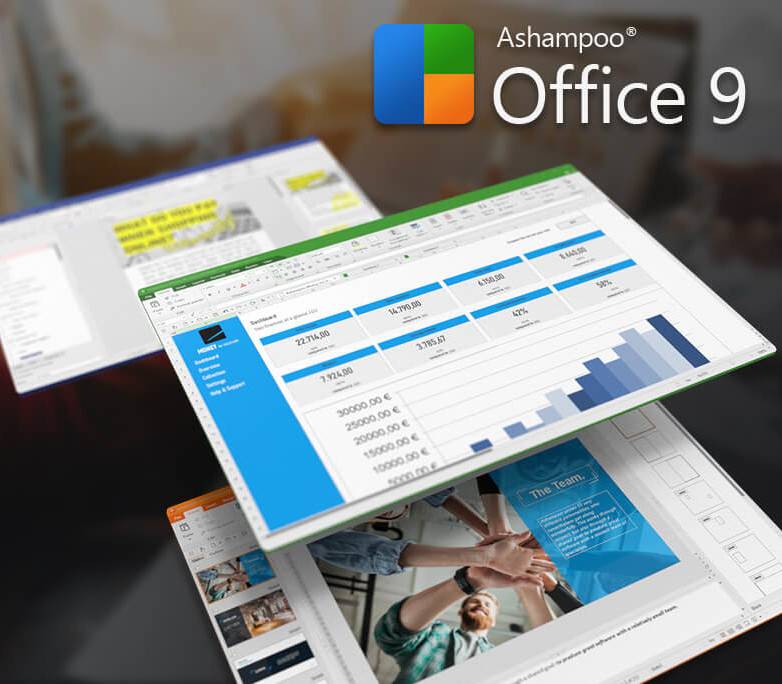
Ashampoo Office 9 is a modern, lightweight office suite designed as a cost‑effective alternative to Microsoft Office. It includes:
-
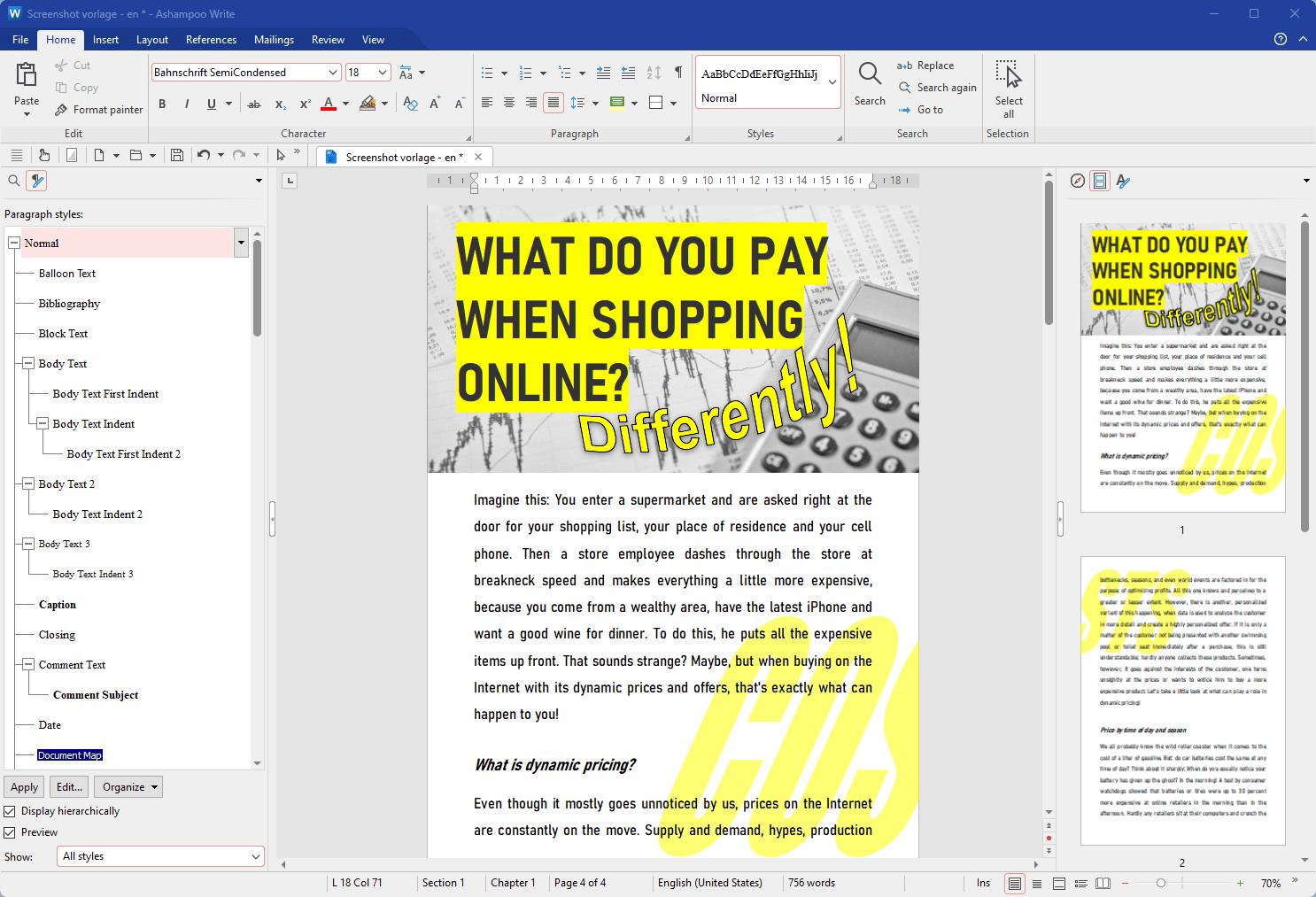
Write – Word processor for letters, reports, and theses.
-
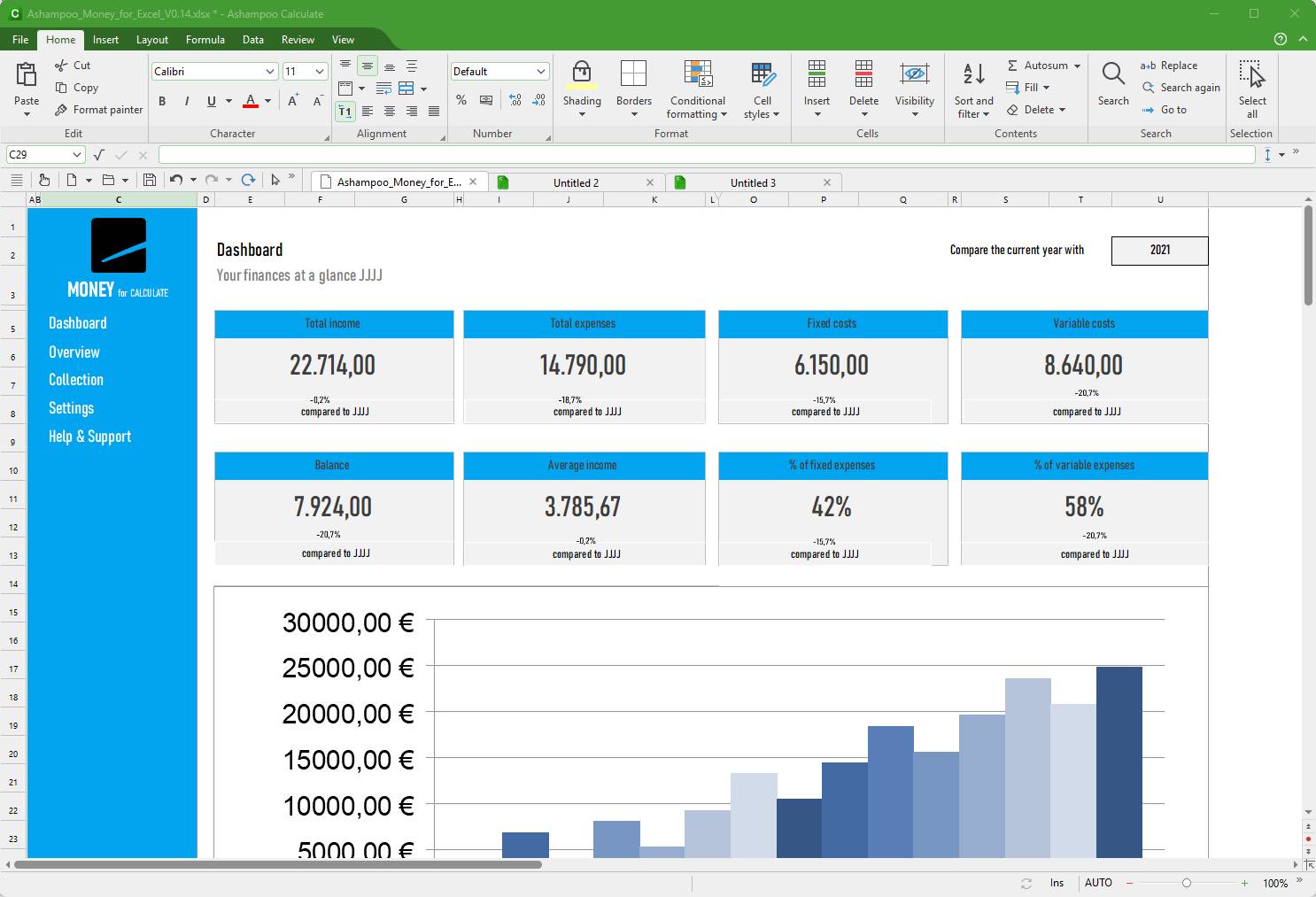
Calculate – Spreadsheet tool for data analysis, charts, and complex calculations.
-
Present – Presentation software with animations, transitions, and design templates.
All modules are fully compatible with Microsoft Office formats (DOCX, XLSX, PPTX) and open‑source alternatives like LibreOffice.
Key Features
-
Full Compatibility: Works seamlessly with Word, Excel, and PowerPoint files.
-
User Interface Options: Choose between ribbon or classic toolbar/menu.
-
Enhanced Spellchecking: Multi‑lingual support across all modules.
-
PDF Export: Create space‑efficient PDFs with embedded fonts.
-
Image Support: Native handling of WEBP files.
-
Grouped Elements: Easier editing in documents and presentations.
-
Multi‑Device License: Install on up to 5 PCs with one purchase.
System Requirements
-
Windows 10 or 11 (32/64‑bit)
-
2 GB RAM minimum
-
400 MB free disk space
-
Screen resolution: 1024×768 or higher
Why Choose Ashampoo Office 9
-
Affordable alternative to Microsoft Office.
-
Lifetime license with no recurring fees.
-
Install on up to 5 devices with one purchase.
-
User‑friendly interface with ribbon or classic menu options.
-
Strong compatibility with Microsoft and open‑source office formats.
How to Activate Ashampoo Office 9
-
Download the Software
-
Visit the official installer: Ashampoo Office 9 Download
-
Save the setup file to your computer.
-
-
Install the Software
-
Double‑click the downloaded installer.
-
Follow the on‑screen instructions to complete installation.
-
-
Activate Your License
-
Launch Ashampoo Office 9 after installation.
-
Enter the license key or activation information provided in your purchase order or Ashampoo account.
-
Confirm activation to unlock all full features (Write, Calculate, Present).
-
No reviews found!










No comments found for this product. Be the first to comment!