 English



Ashampoo PDF Pro 4 – Complete PDF Editing Suite for Windows
Release Information
-
Version: PDF Pro 4
-
Release Date: October 2024
-
Developer/Publisher: Ashampoo GmbH & Co. KG
-
Platform: Windows 7, 8.1, 10, 11 (32/64‑bit)
-
Languages: 30+ including English, German, French, Swedish, Japanese, Spanish, Chinese
Product Overview
Ashampoo PDF Pro 4 is a professional PDF editor and manager designed as an all‑in‑one solution for handling PDF files. It allows users to:
-
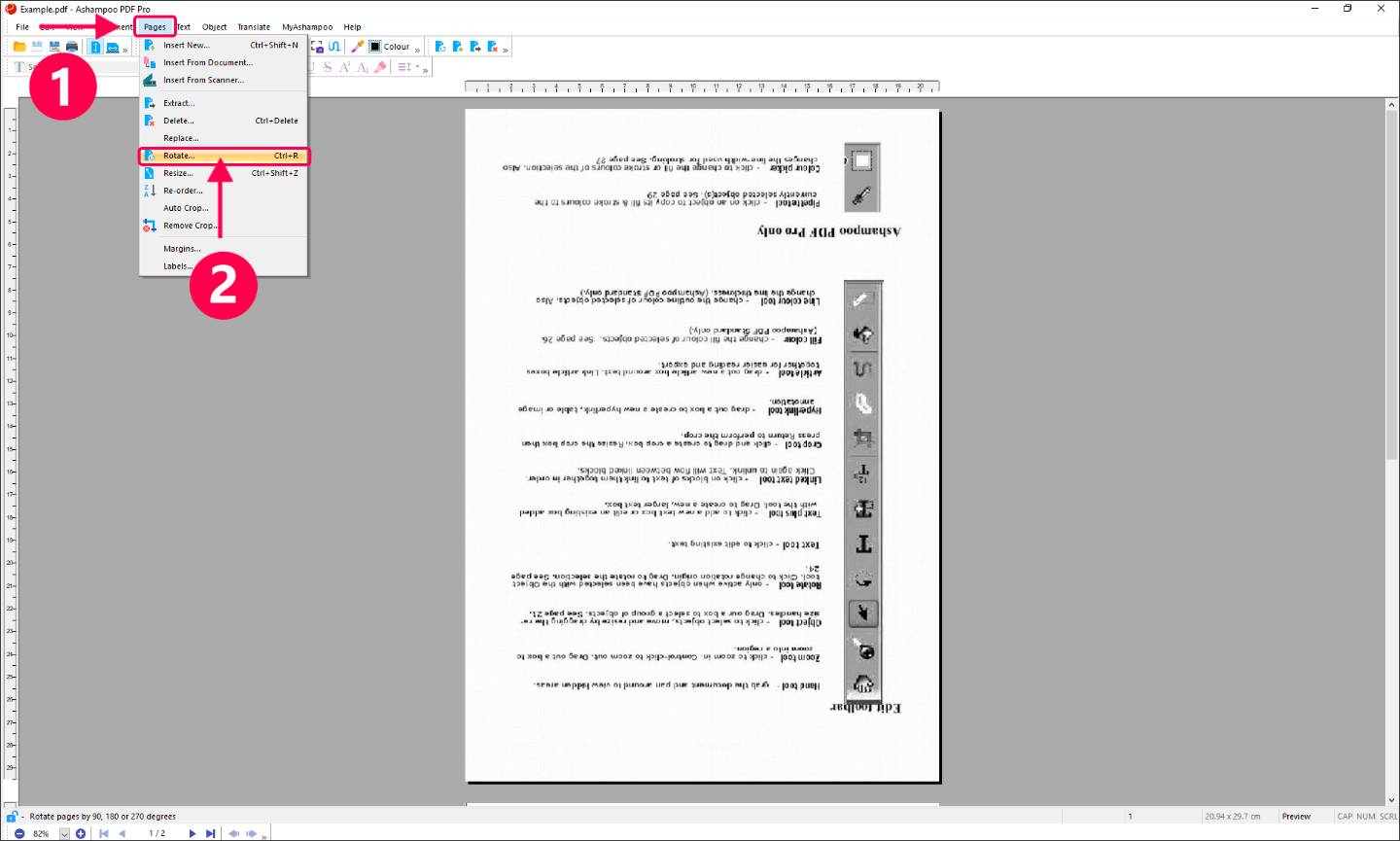
Edit PDFs like Word documents – change text, images, and formatting with ease.
-
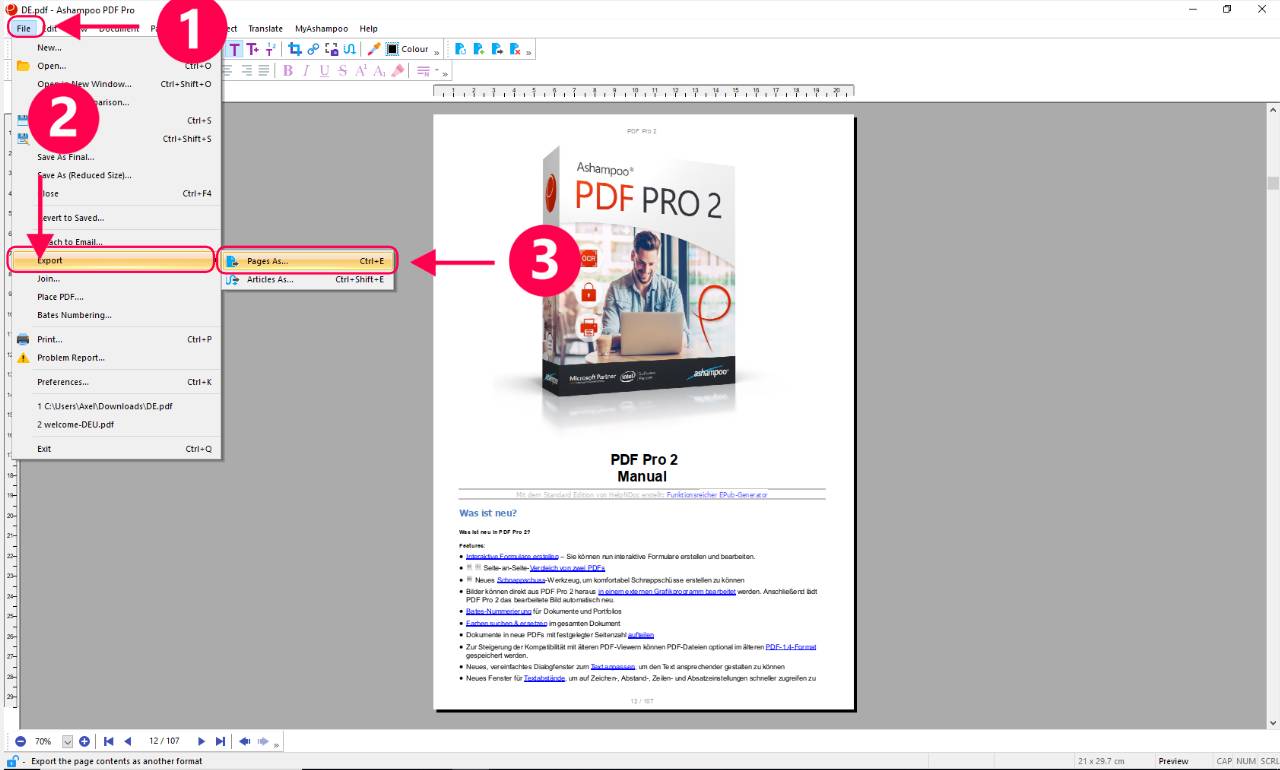
Convert PDFs to Word, HTML, EPUB, and image formats.
-
Merge and split PDFs into custom layouts.
-
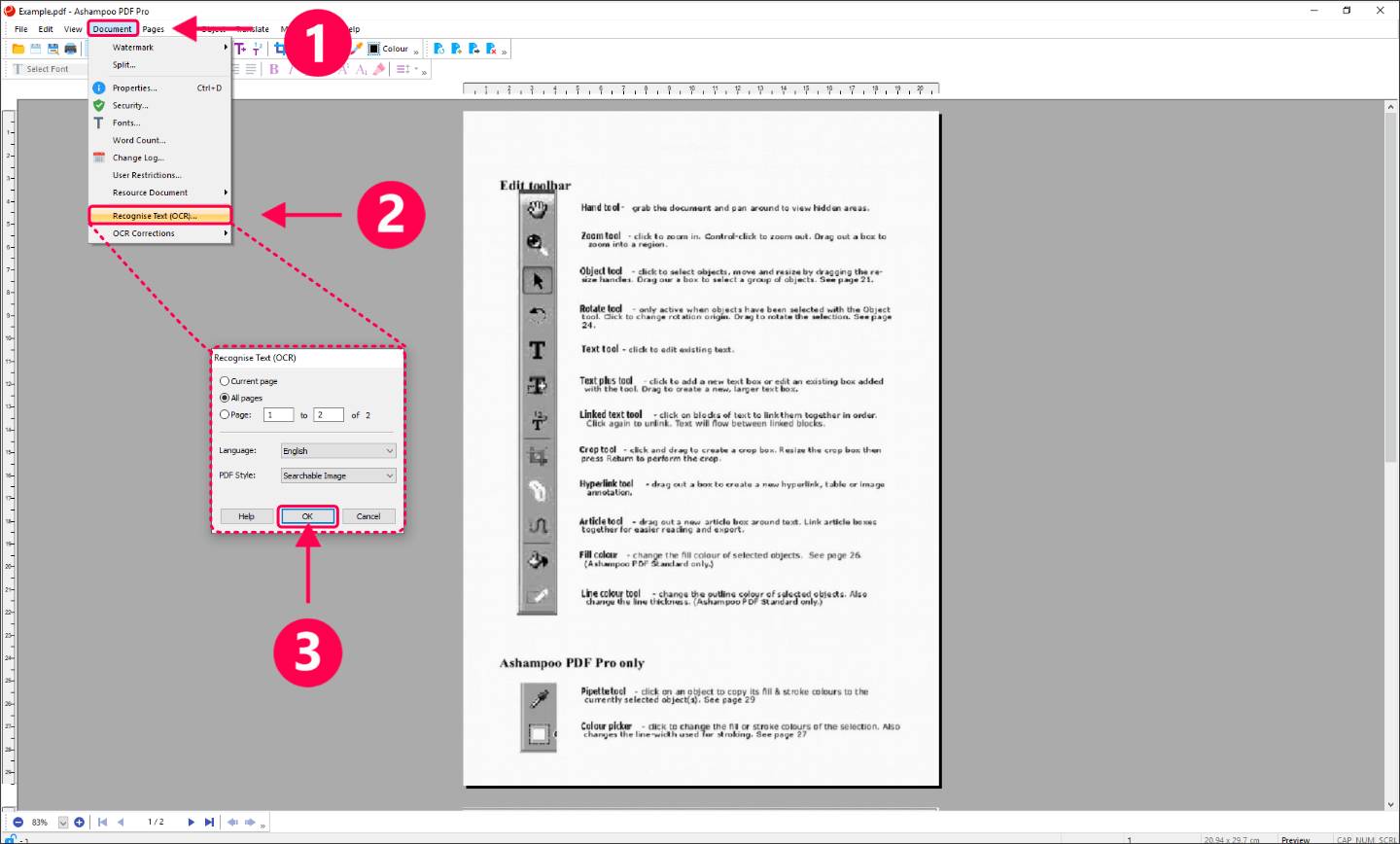
Use OCR (Optical Character Recognition) to recognize text in scanned documents.
-
Create interactive forms and add digital signatures.
-
Apply Bates numbering for legal and business documents.
-
Protect PDFs with encryption and password security.
Key Features
-
Full editing of text, images, and formatting.
-
Conversion to Microsoft Word and other formats.
-
OCR module for scanned documents.
-
Interactive forms and annotations.
-
Bates numbering for professional workflows.
-
Compare documents and track changes.
-
PDF/A support for long‑term archiving.
System Requirements
-
Windows 7, 8.1, 10, 11 (32/64‑bit)
-
2 GB RAM minimum
-
400 MB free disk space
-
Internet connection for activation and updates
Why Choose PDF Pro 4
-
Affordable alternative to Adobe Acrobat
-
Lifetime license with no subscription fees
-
OCR and advanced editing tools included
-
User‑friendly interface with ribbon menus
-
Strong compatibility with Word and other formats
How to Activate Ashampoo PDF Pro 4
Step 1 – Download the Software
-
Visit the official page: Ashampoo PDF Pro 4 Download
-
Save the installer file to your computer.
Step 2 – Install the Software
-
Double‑click the downloaded installer.
-
Follow the on‑screen instructions to complete installation.
-
After installation, launch Ashampoo PDF Pro 4.
Step 3 – Enter Your License Key
-
On first launch, you’ll be prompted to activate.
-
Enter the license key provided in your purchase confirmation or Ashampoo account.
-
Click Activate to unlock the full version.
Step 4 – Verify Activation
-
Once activated, all features (editing, OCR, Word conversion, forms, Bates numbering, encryption) will be available.
-
You can check activation status under Help → License Information inside the program.
No reviews found!











No comments found for this product. Be the first to comment!