 English




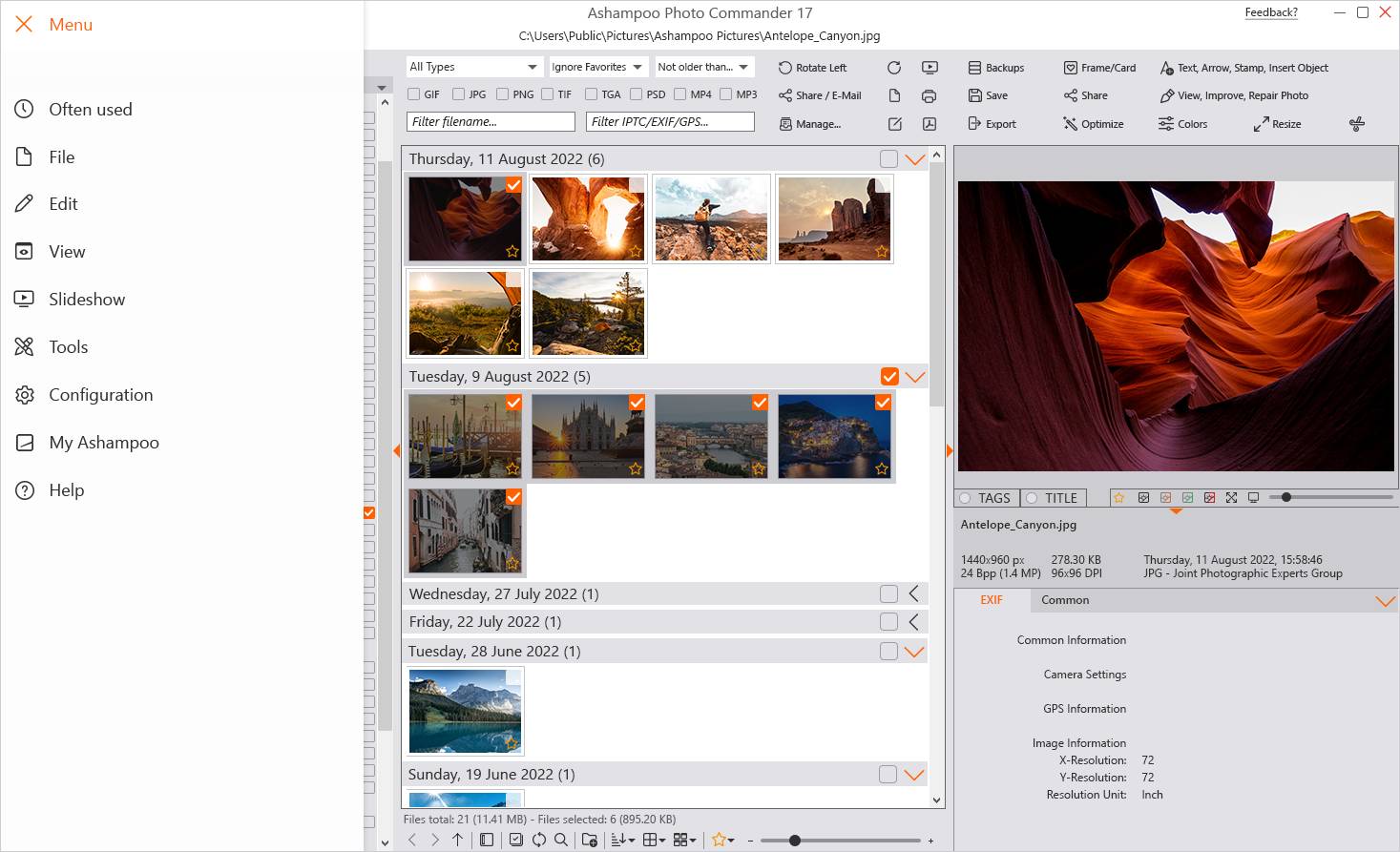

Ashampoo Photo Commander 17 – Complete Photo Suite for PC
Overview
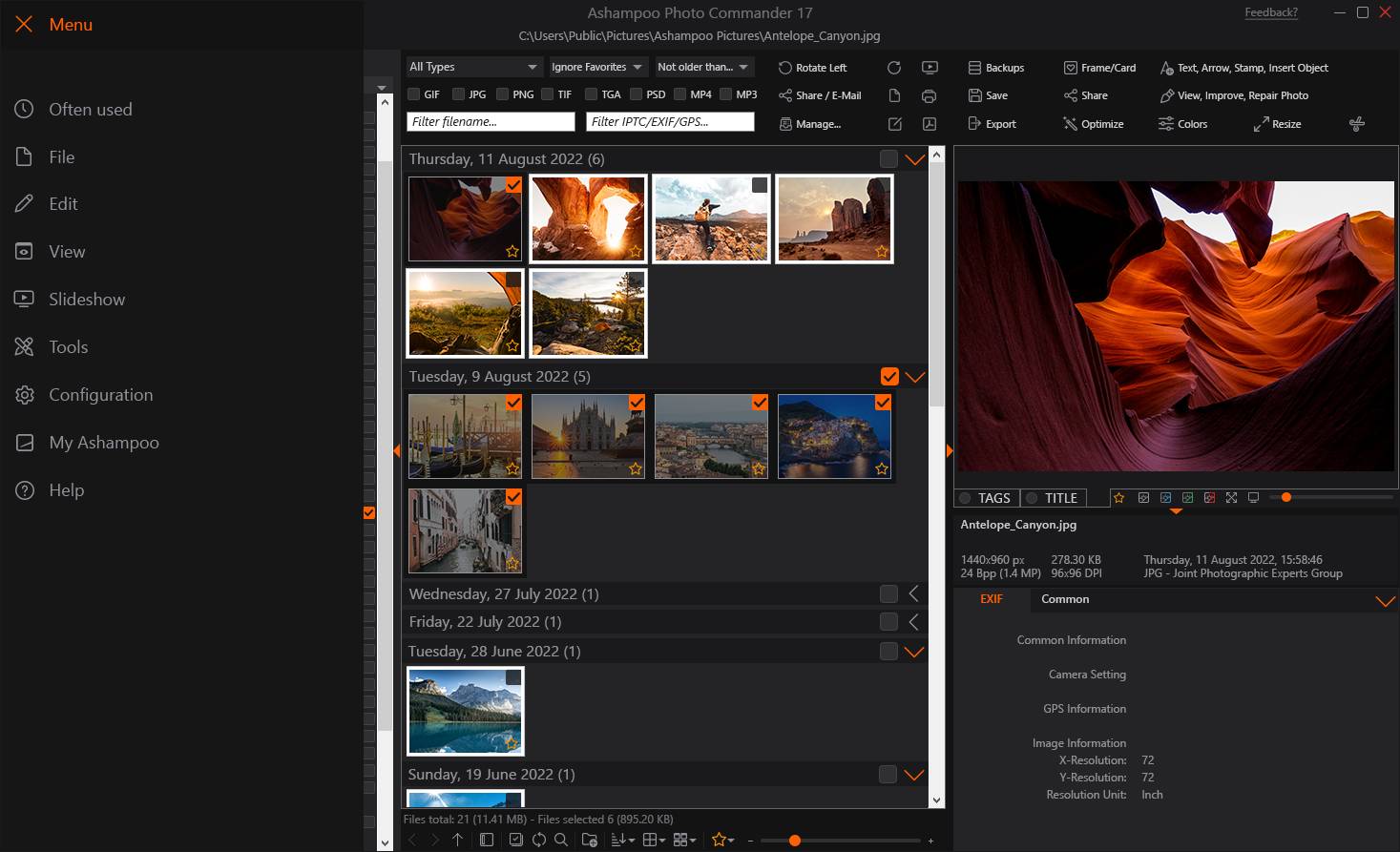
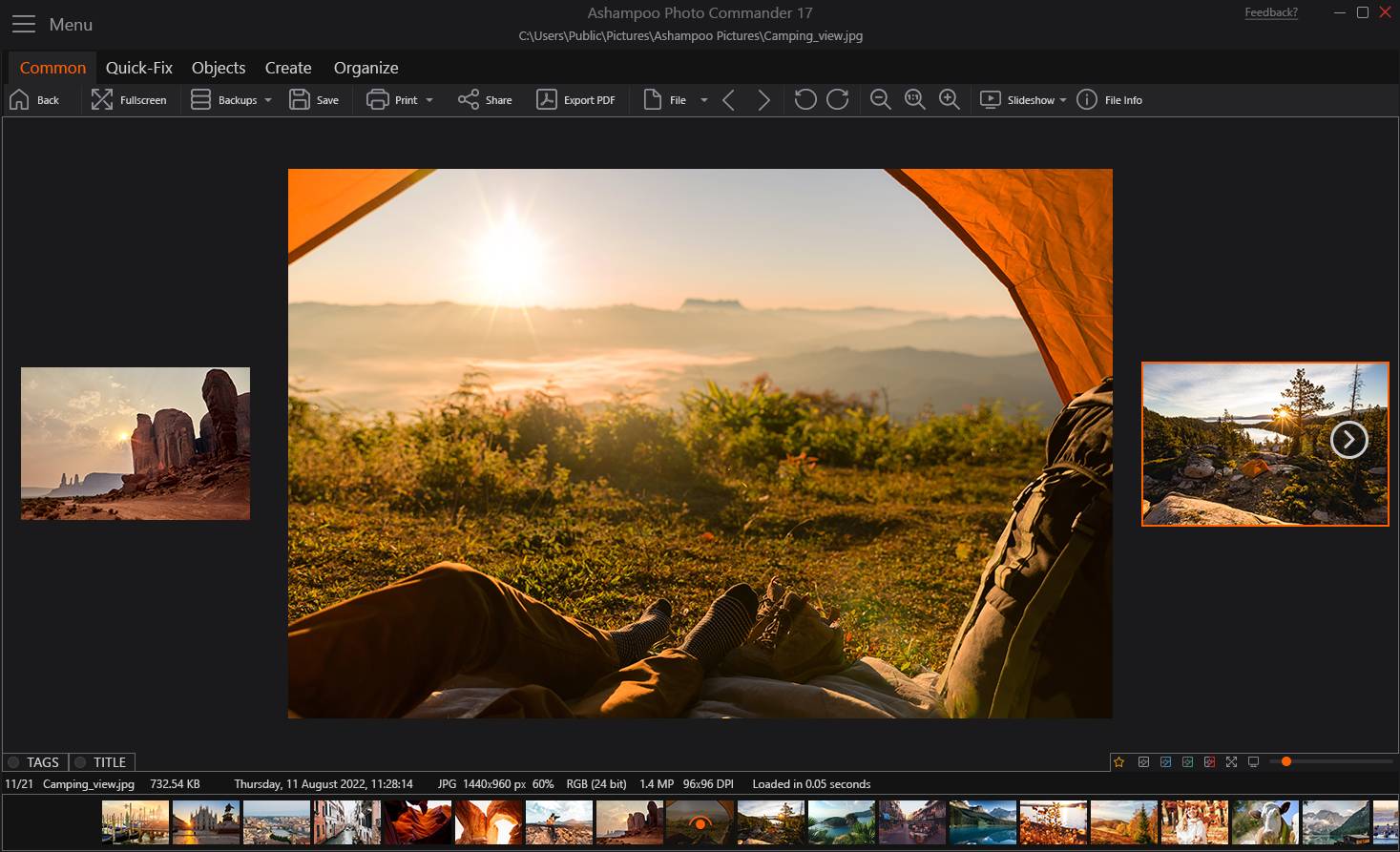
Ashampoo Photo Commander 17 is the latest version of Ashampoo’s popular photo suite, designed for both amateurs and professionals. It combines photo management, editing, and presentation tools in one interface, making it a versatile alternative to separate apps.
-
Developer/Publisher: Ashampoo GmbH & Co. KG
-
Platform: Windows PC
-
Languages: Multilingual support
-
User Rating: 4.5/5 from 1,200+ verified reviews
Key Features
-
Photo Management: Organize images by folders, GPS data, or creation date.
-
Editing Tools: Crop, rotate, adjust colors, remove red‑eye, and batch‑process hundreds of files.
-
Creative Projects: Design photo calendars, greeting cards, collages, panoramas, and web albums.
-
Slideshows: Create professional Ultra HD (4K) slideshows, export as video, or burn to CD/DVD/Blu‑ray.
-
Batch Processing: Rename, convert, and optimize large sets of photos at once.
-
Presentation Mode: Showcase photos directly within the app or export for sharing.
-
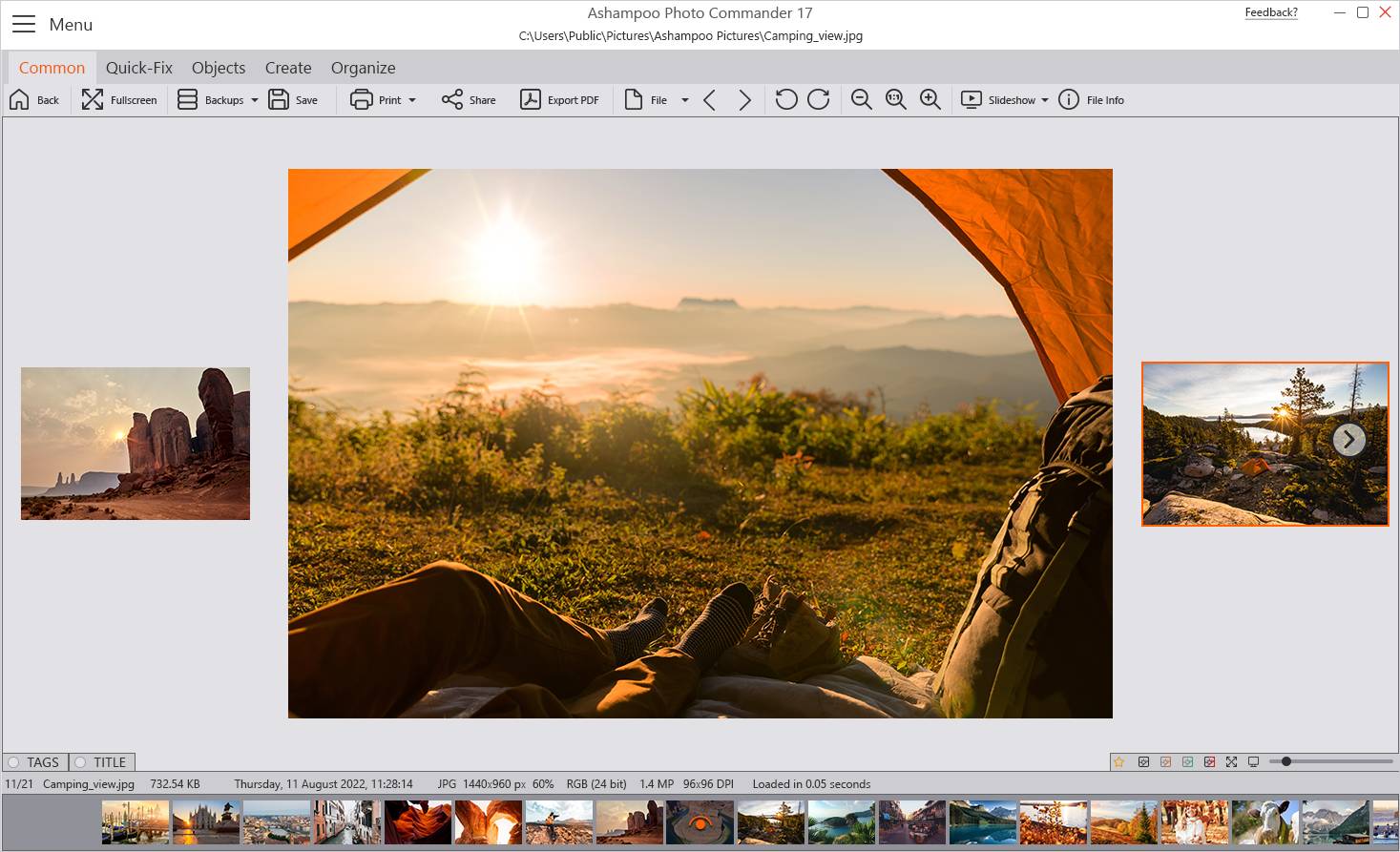
Ease of Use: Intuitive interface with bookmarks, filters, and quick access menus.
Why Buy Ashampoo Photo Commander 17?
-
Affordable compared to Adobe Photoshop or Lightroom.
-
Versatile: Combines editing, organizing, and creative tools in one package.
-
Beginner‑friendly: Easy interface but powerful enough for advanced users.
-
Creative freedom: Build slideshows, collages, and calendars without extra software.
How to Install Ashampoo Photo Commander 17
-
Download the Installer
-
Visit:
https://cdn1.ashampoo.net/public/ashglob/2218/ashampoo_photo_commander_17_45295.exe
-
Click Download and save the setup file to your computer.
-
-
Run the Setup
-
Double‑click the installer file.
-
Follow the on‑screen instructions to complete installation.
-
-
Activate Your License
-
Launch the program after installation.
-
Enter your product key when prompted.
-
The software will unlock all full features upon activation.
-
No reviews found!






No comments found for this product. Be the first to comment!