 English

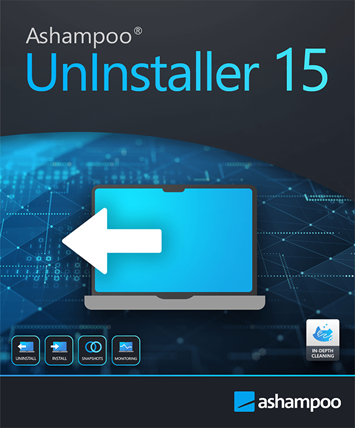

Ashampoo UnInstaller 15 – Complete Program Removal for Windows
Release Information
-
Version: 15.00.22
-
Release Date: August 20, 2024
-
Latest Update: November 18, 2024
-
Developer/Publisher: Ashampoo GmbH & Co. KG
-
Platform: Windows 10, Windows 11 (32/64‑bit)
Product Overview
Ashampoo UnInstaller 15 is a Windows utility that ensures complete removal of programs, apps, plug‑ins, and toolbars without leaving behind files, registry entries, or hidden data. Unlike the default Windows uninstaller, it uses installation tracking, deep cleaning, and snapshot technology to reverse changes and free up disk space.
Key Features
-
Complete Removal: Deletes programs and apps without leftovers.
-
Real‑Time Installation Tracking: Logs all file and registry changes during setup.
-
Deep Cleaning: Removes hidden files and registry entries missed by default uninstallers.
-
Snapshot Technology: Compares system states before and after installations.
-
Batch Uninstall: Remove multiple programs at once.
-
Drag & Drop Removal: Quickly uninstall by dragging icons into the interface.
-
Program Relocation: Move installed programs to another drive without reinstalling.
How to Activate Ashampoo UnInstaller 15
Step 1 – Download the Software
-
Visit the official page: Ashampoo UnInstaller 15 Download
-
Save the installer file to your computer.
Step 2 – Install the Software
-
Double‑click the downloaded installer.
-
Follow the on‑screen instructions to complete installation.
-
After installation, launch Ashampoo UnInstaller 15.
Step 3 – Enter Your License Key
-
On first launch, you’ll be prompted to activate.
-
Enter the license key provided in your purchase confirmation or Ashampoo account.
-
Click Activate to unlock the full version.
Step 4 – Verify Activation
-
Once activated, all features (installation tracking, deep cleaning, snapshots, batch uninstall) will be available.
-
You can check activation status under Help → License Information inside the program.
No reviews found!






No comments found for this product. Be the first to comment!