 English


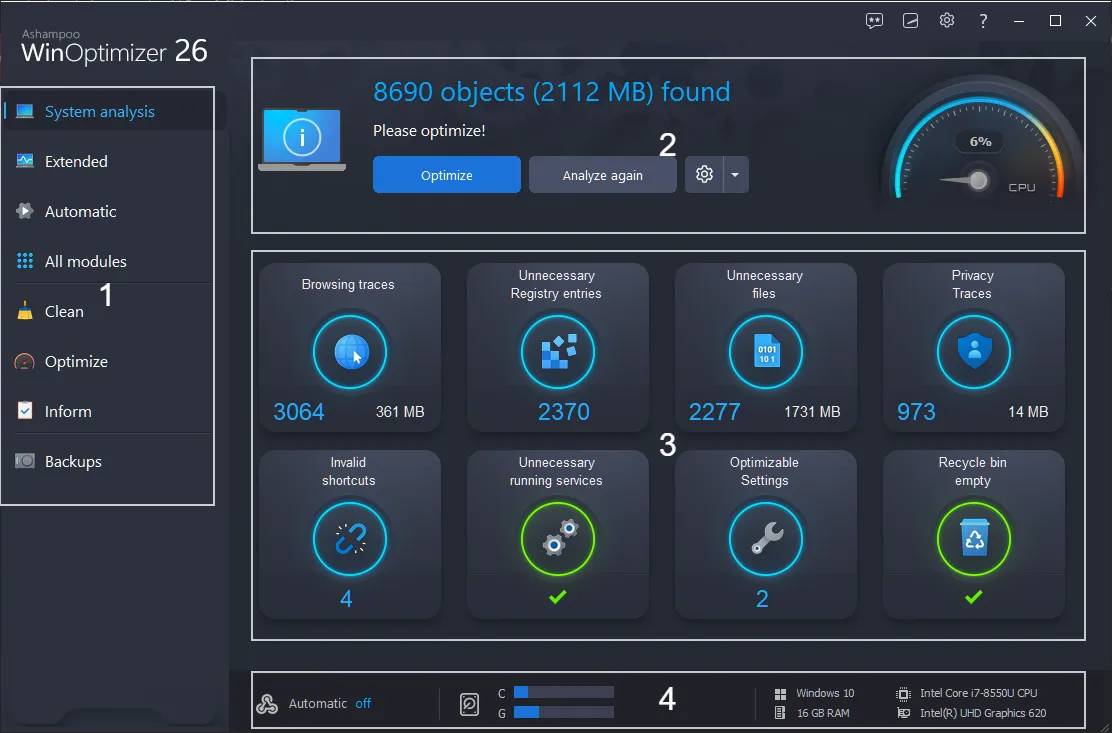

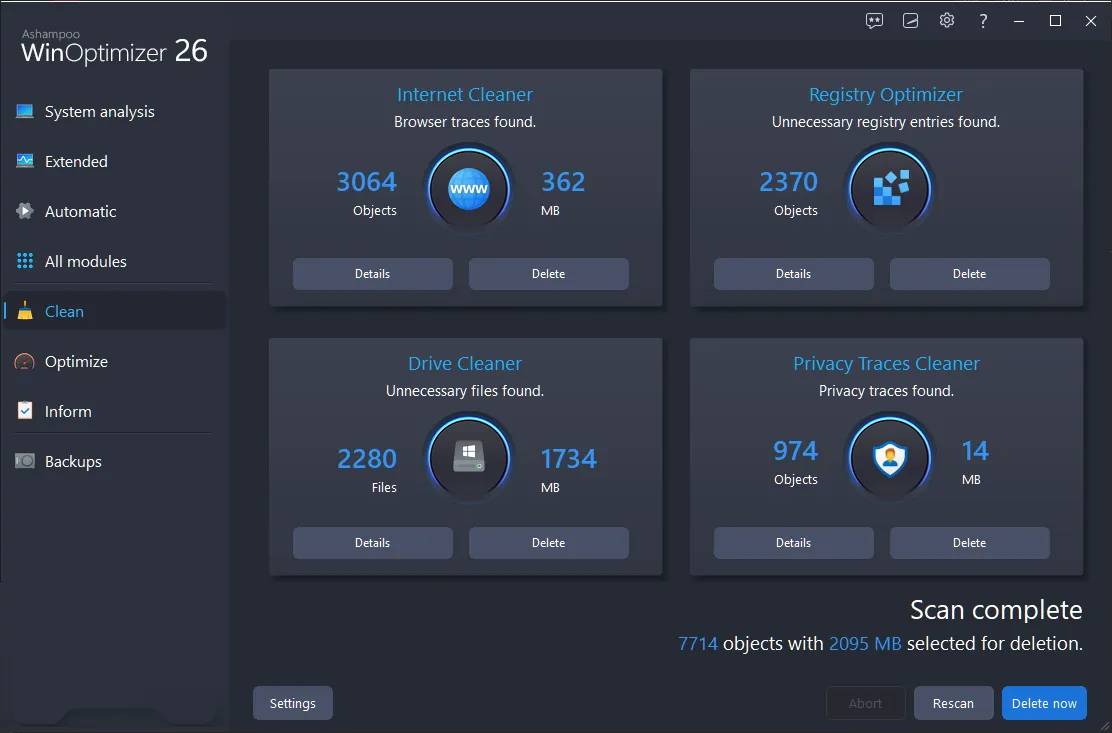
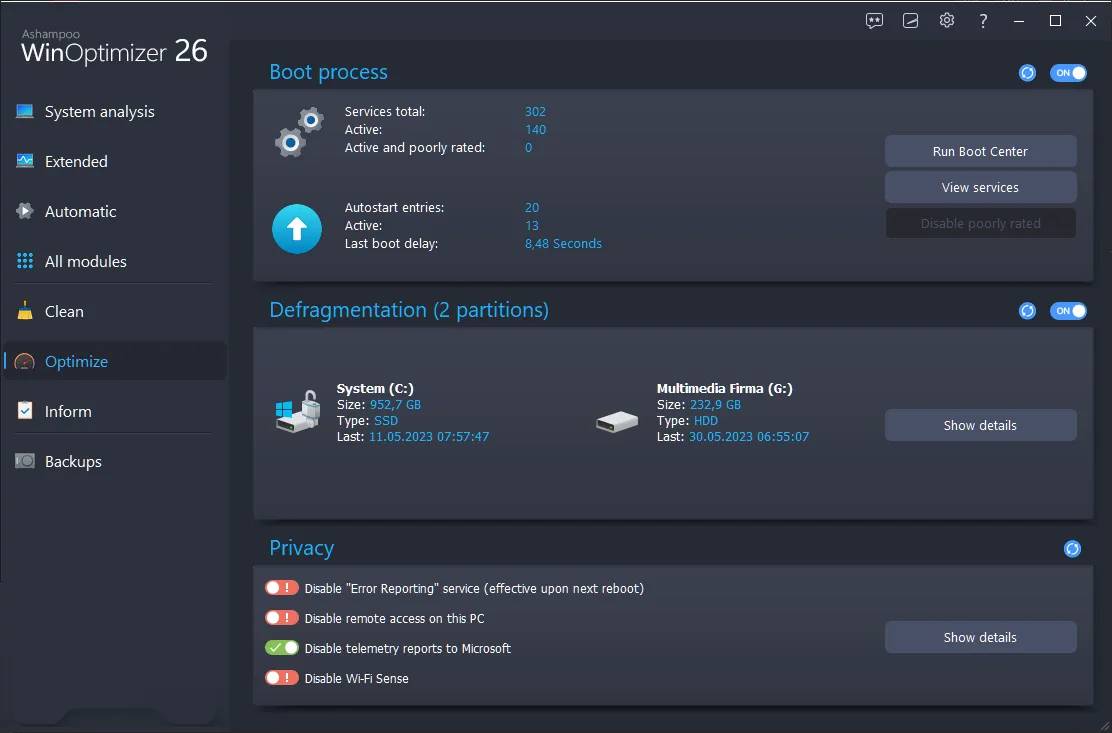

Ashampoo WinOptimizer 26 – Windows PC Optimization Suite
Release Information
-
Version: 26.00.24
-
Release Date: May 31, 2023 (latest update February 27, 2024)
-
Developer/Publisher: Ashampoo GmbH & Co. KG
-
Platform: Windows 7, 10, 11 (32/64‑bit)
-
Customer Rating: 4.5/5 from verified reviews
Product Overview
Ashampoo WinOptimizer 26 is a comprehensive PC tune‑up and system optimization software. Over time, Windows systems accumulate junk files, registry clutter, and privacy risks. WinOptimizer 26 cleans, speeds up, and secures your PC with over 30 powerful modules, ensuring maximum performance and privacy protection.
Key Features
-
Four‑Way Cleaning: Removes junk files, browser traces, and registry clutter.
-
System Optimization: Speeds up boot times and improves overall performance.
-
Privacy Protection: Blocks telemetry and secures sensitive data.
-
Over 30 Modules: Covering maintenance, customization, analysis, and security.
-
Auto‑Clean & Live Tuner: Background optimization without user intervention.
-
Multi‑Language Support: 30+ languages including English, German, French, Swedish, Japanese, and more.
System Requirements
-
Windows 7, 10, 11 (32/64‑bit)
-
2 GB RAM minimum
-
200 MB free disk space
-
Internet connection for updates
Why Choose WinOptimizer 26
-
Affordable alternative to premium PC tune‑up suites
-
Comprehensive toolkit with 30+ modules
-
Privacy‑focused features to block Windows telemetry
-
Multi‑device license for household use
How to Activate Ashampoo WinOptimizer 26
Step 1 – Download the Software
-
Go to the official page: Ashampoo WinOptimizer 26 Download
-
Save the installer file to your computer.
Step 2 – Install the Software
-
Double‑click the downloaded installer.
-
Follow the on‑screen instructions to complete installation.
-
After installation, launch Ashampoo WinOptimizer 26.
Step 3 – Enter Your License Key
-
On first launch, you’ll be prompted to activate.
-
Enter the license key provided in your purchase confirmation or Ashampoo account.
-
Click Activate to unlock the full version.
Step 4 – Verify Activation
-
Once activated, all modules (cleaning, optimization, privacy tools) will be available.
-
You can check activation status under Help → License Information inside the program.
No reviews found!








No comments found for this product. Be the first to comment!